Glassmorphism App Icon Generator
Create stunning frosted glass app icons with AI. Backdrop blur, translucent layers, and modern depth effects.
No credit card required
Choose from multiple styles
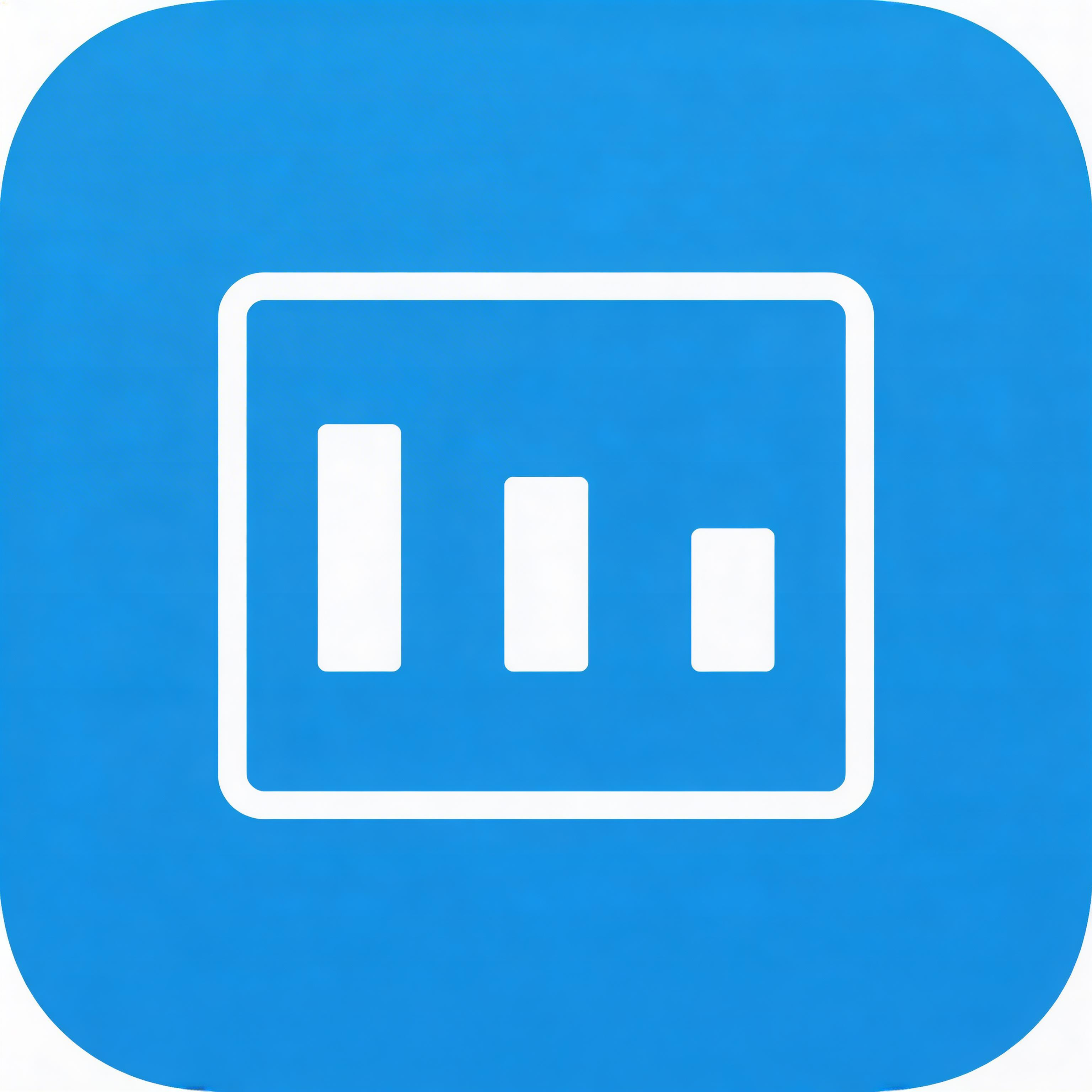
Flat Design
Clean lines, solid colors, modern simplicity
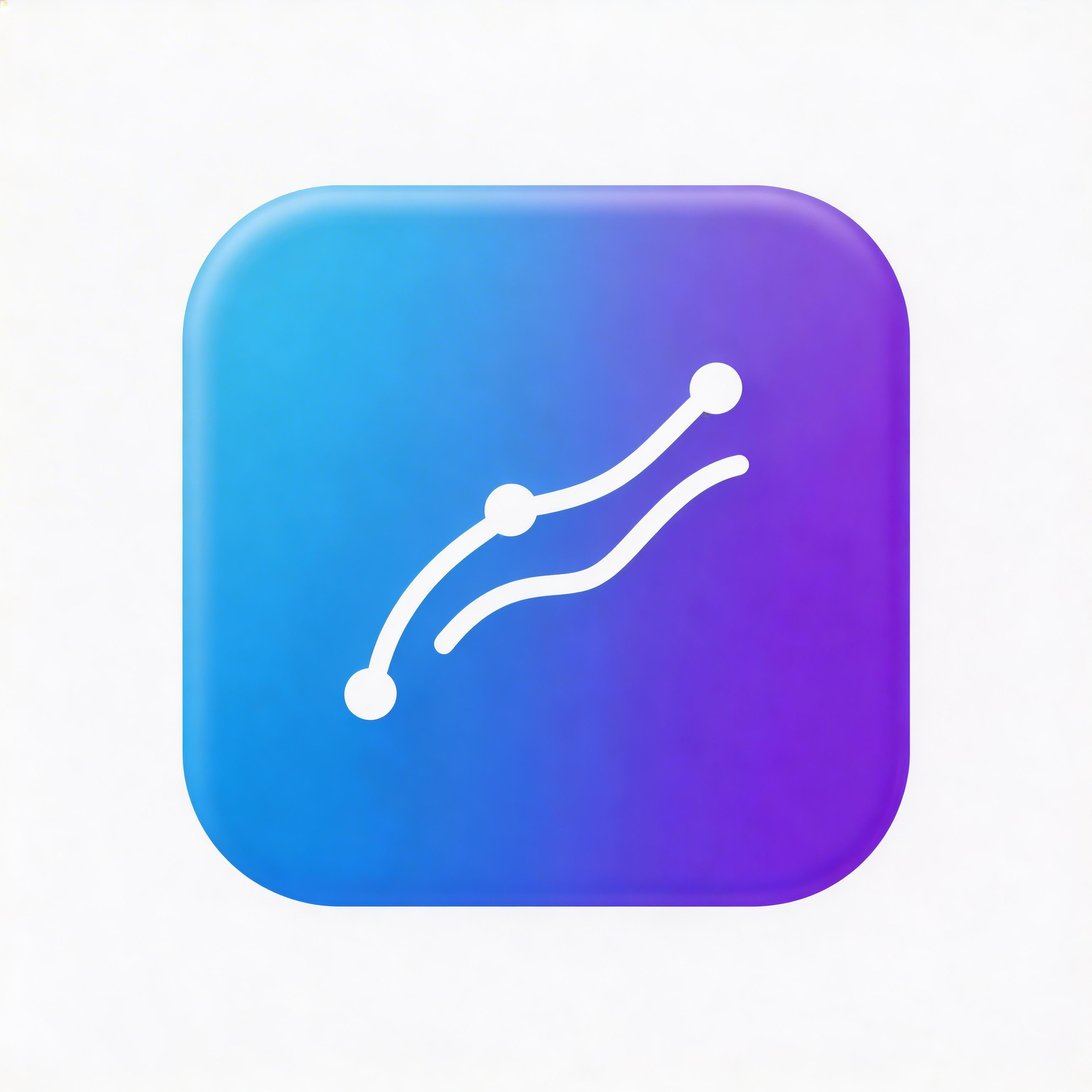
Gradient
Smooth color transitions, depth and dimension
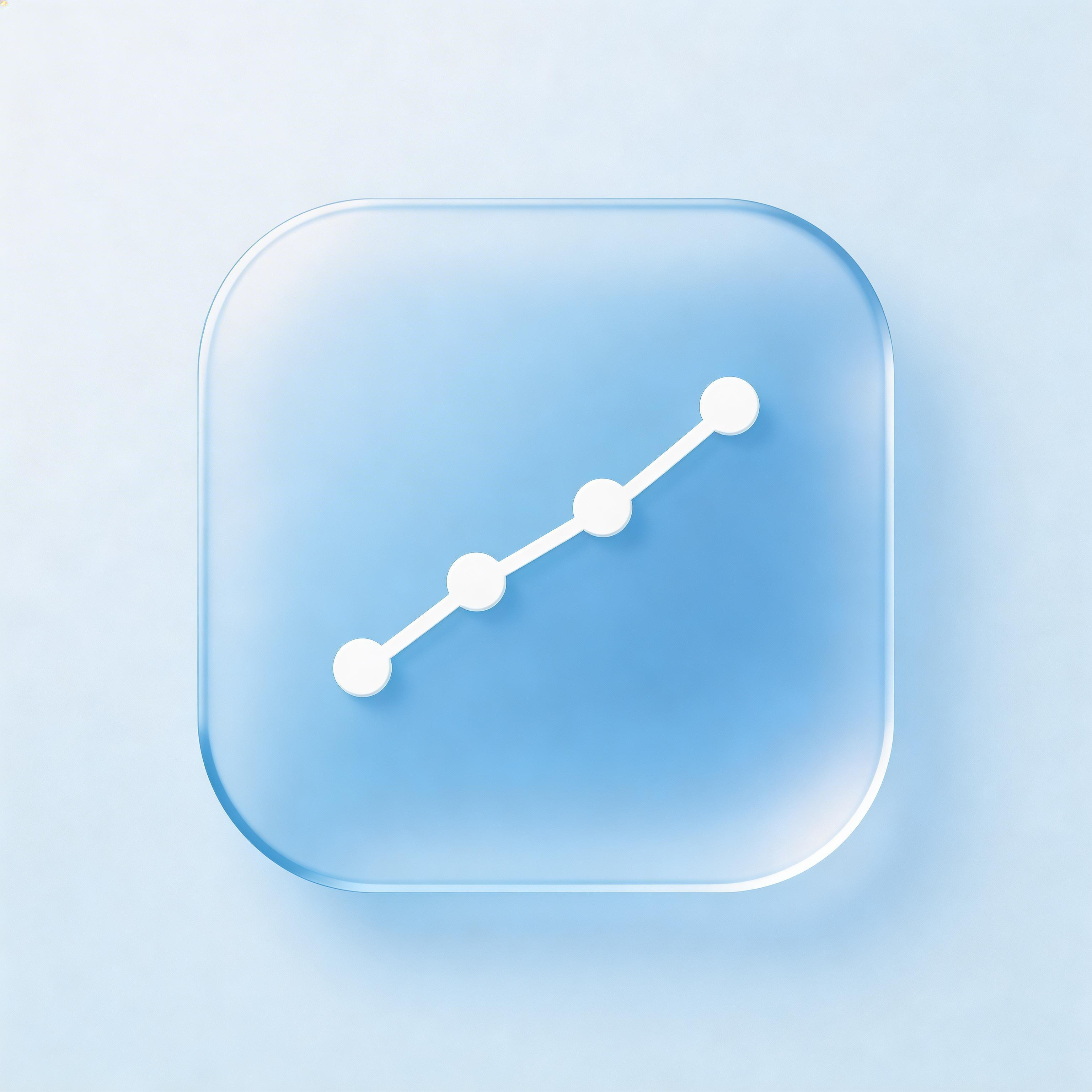
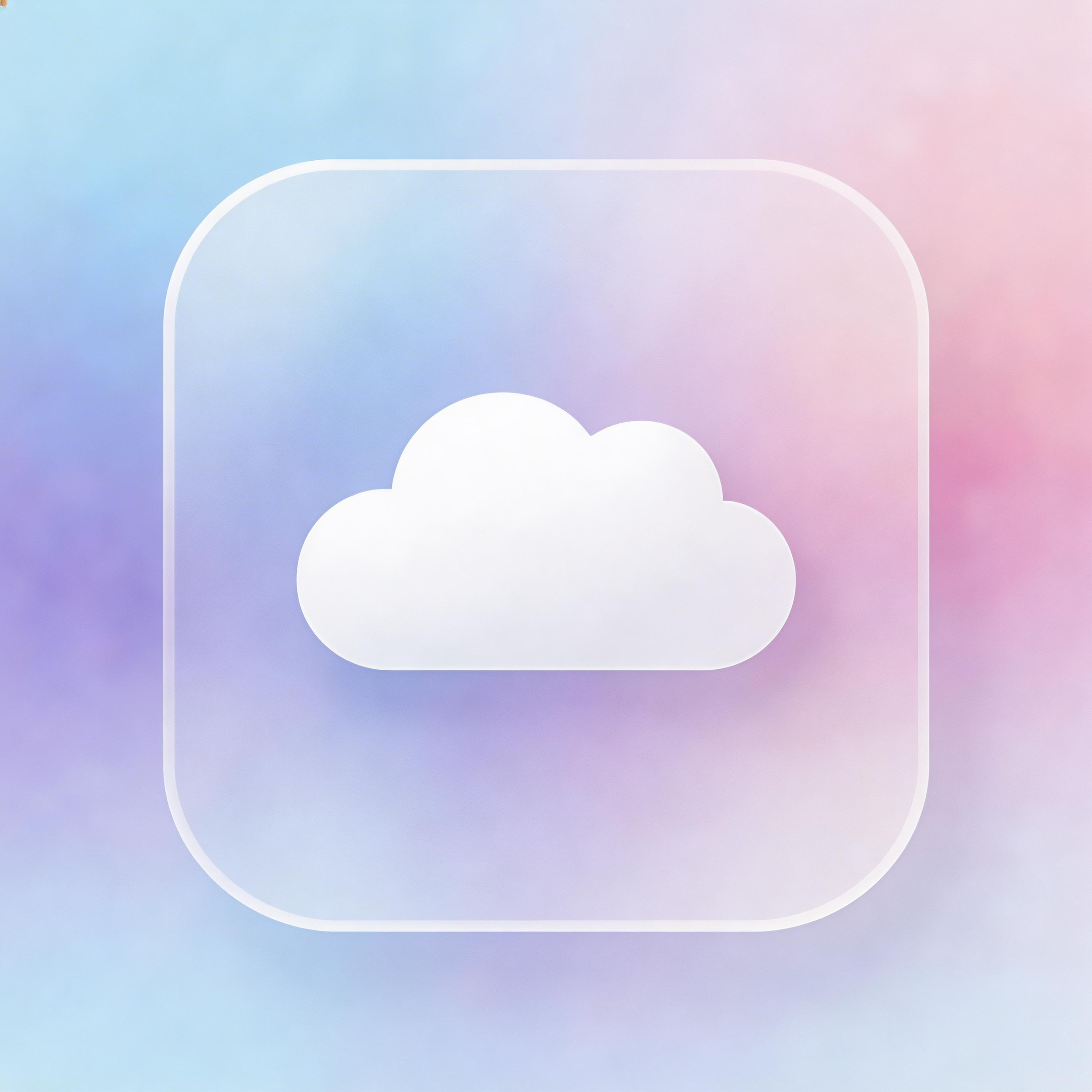
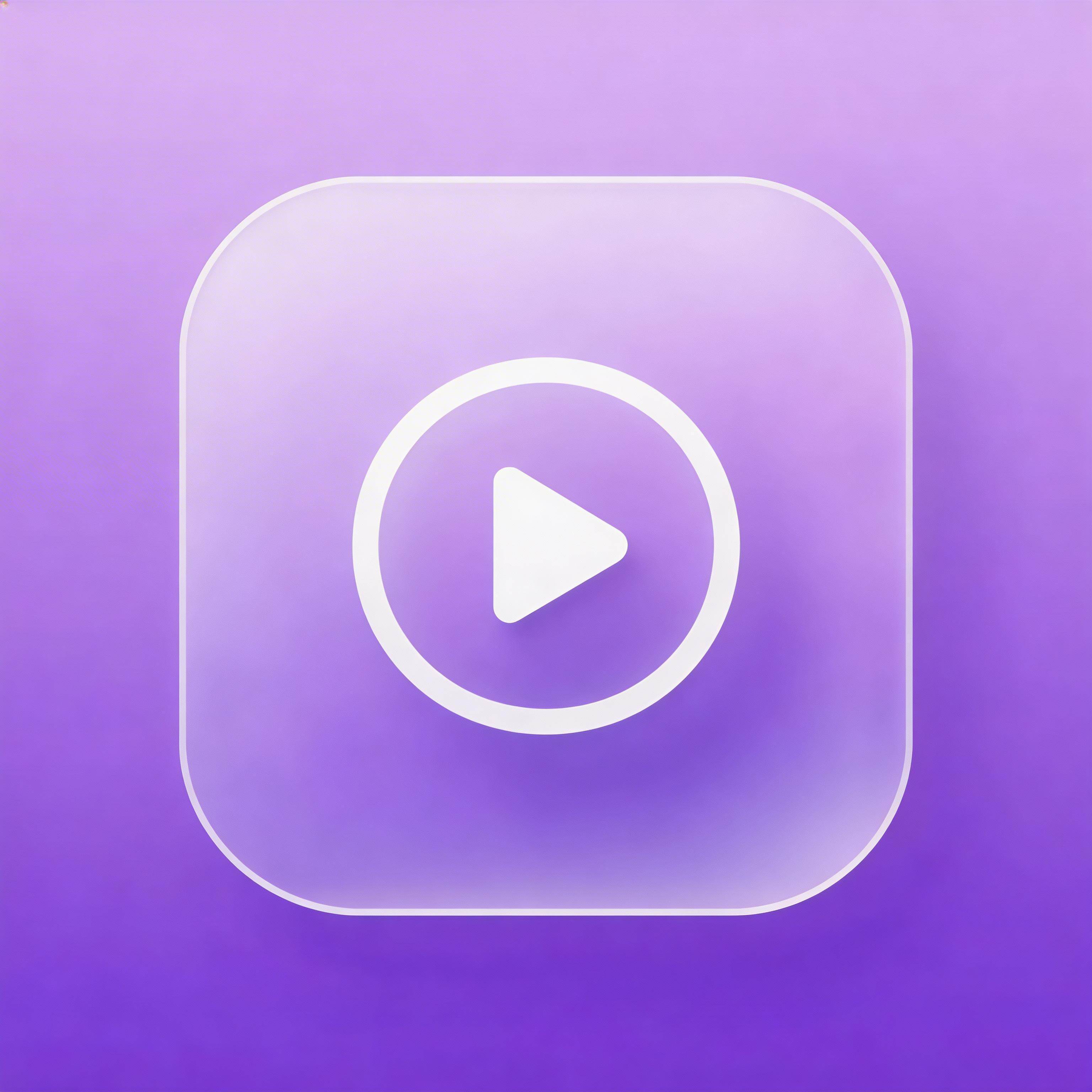
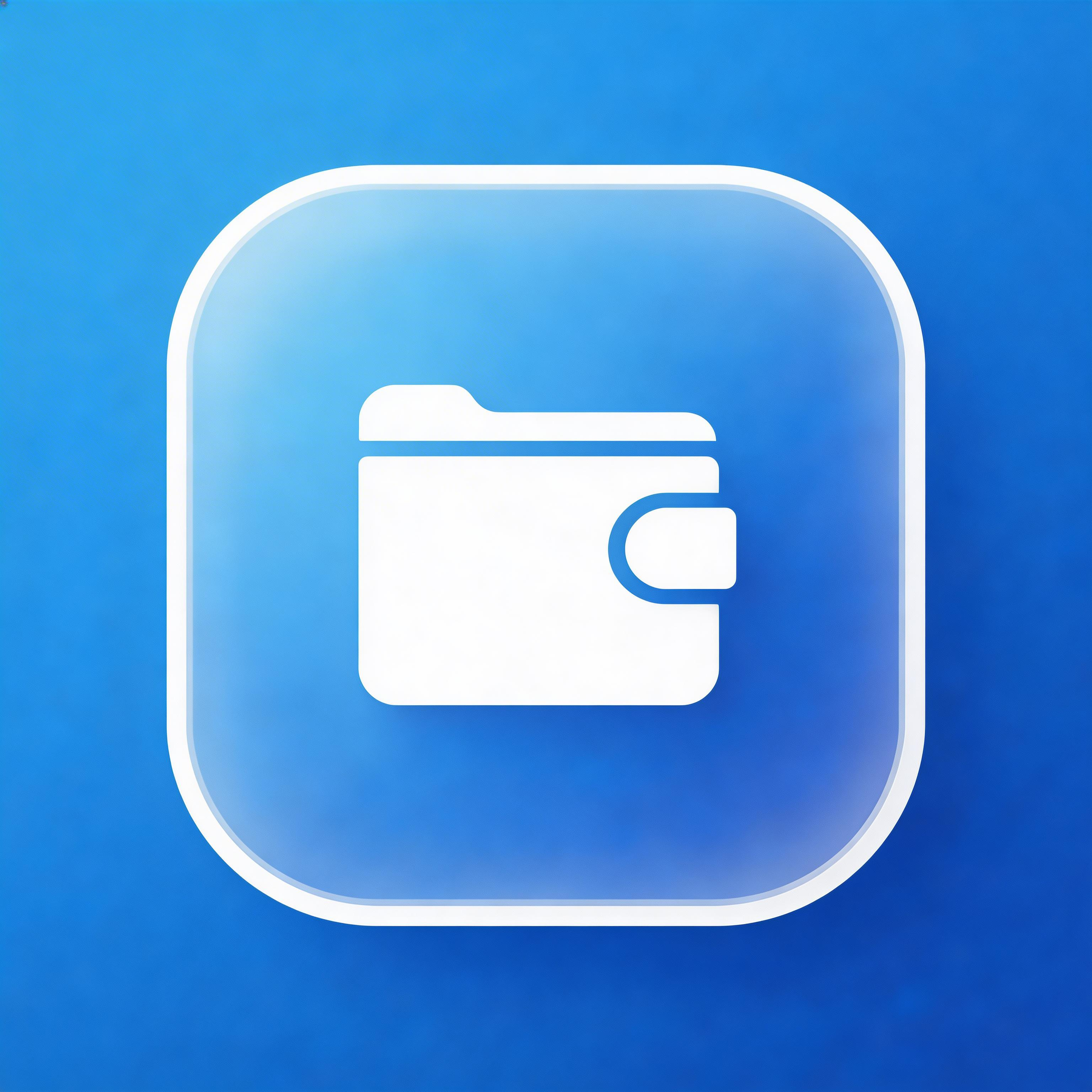
Glassmorphism
Frosted glass effect, translucent layers
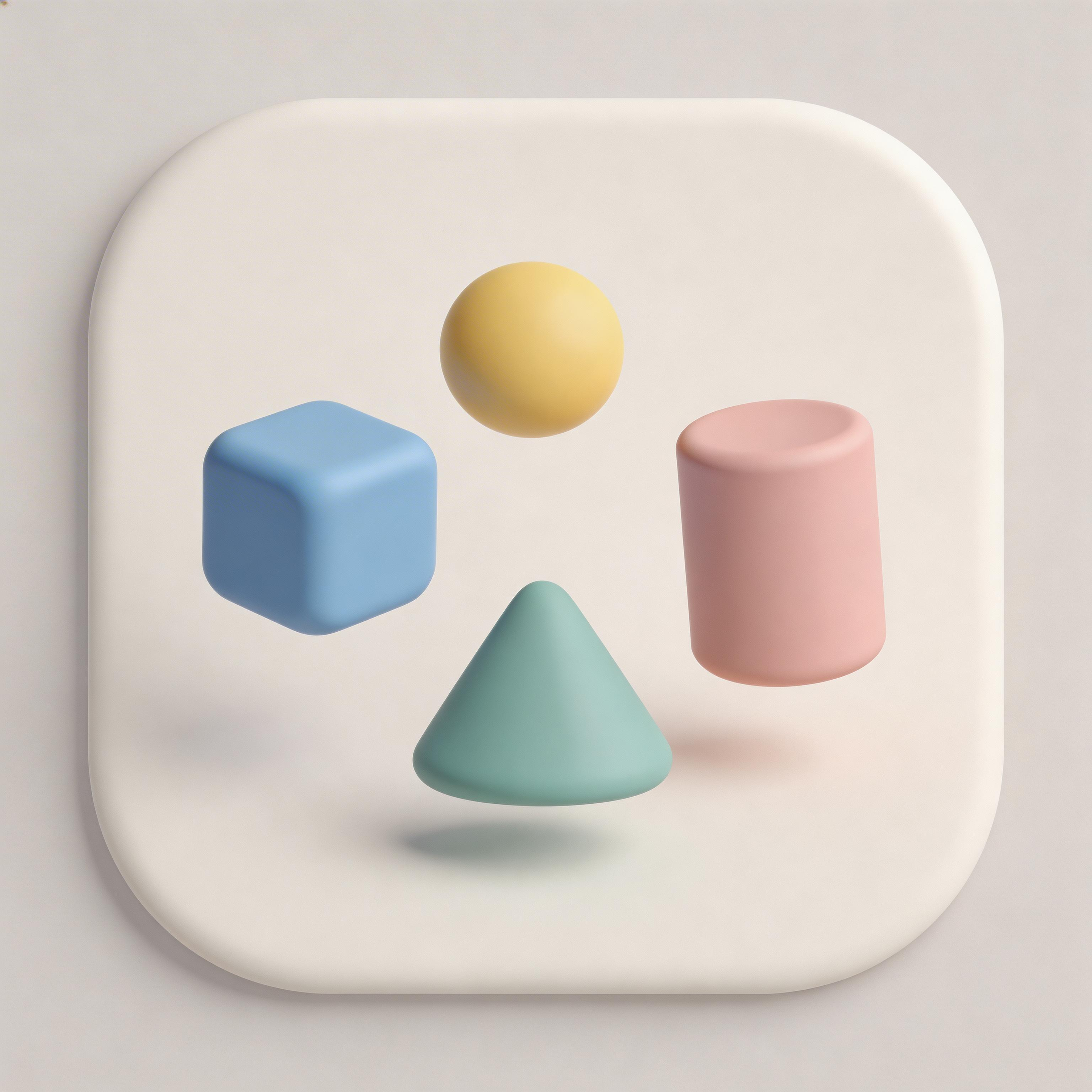
3D Rendered
Realistic depth, shadows, and lighting
Minimalist
Essential elements only, maximum clarity
From idea to icon in seconds
Describe Your Icon
Tell the AI your app concept and desired glass effect intensity.
Choose Background Colors
Pick vibrant background colors that will show through the frosted glass.
AI Applies Glass Effect
IconikAI generates frosted glass icons with proper blur, transparency, and borders.
Export & Ship
Download your glassmorphism icon in all required sizes.
Everything you need for perfect icons
Frosted Glass Effect
Authentic backdrop blur with proper Gaussian blur, semi-transparency, and light refraction.
Layered Depth
Multiple translucent layers create sophisticated depth that simulates real glass surfaces.
Subtle Light Borders
Delicate glass-edge borders that define the frosted surface against vibrant backgrounds.
Production Ready
Export icons that capture the glass effect clearly at every size from 16x16 to 1024x1024.
Frequently asked questions
Vibrant gradients in purple, blue, pink, or teal create the most striking frosted glass effects.
Yes. It has evolved from a trend into an established design language used by Apple, Microsoft, and major fintech brands.
Yes. Glassmorphism pairs well with gradient backgrounds and minimalist foreground symbols.
Yes, when the glass effect is bold enough. Ensure sufficient contrast between the frosted area and background.
Ready to get started?
Glassmorphism App Icon Generator
A glassmorphism app icon generator creates icons with a frosted glass surface — backdrop blur, translucent layers, a light edge, and a vivid gradient showing through. IconikAI generates production-ready glass effect icons from a text description in under 10 seconds, then exports every iOS, Android, and web size.
Last updated: August 2026 | By IconikAI Team
What Is a Glassmorphism App Icon Generator?
A glassmorphism app icon generator creates icons with the distinctive frosted glass effect that has become a defining visual trend in modern UI design. These icons feature semi-transparent layers, backdrop blur effects, subtle borders, and colorful backgrounds that show through the translucent glass surface, creating depth and sophistication.
Glassmorphism emerged as a major design trend in 2020, inspired by Apple iOS and macOS interface elements, and has since been adopted by companies like N26, Revolut, and Microsoft for their product design language.
Glass Icon Generator: What It Makes and What It Doesn't
A glass icon generator makes finished icon artwork with a glass surface baked into the image — not a live CSS filter, not a Figma effect layer you still have to tune. You describe the app, pick the glass style, and get a flat 1024x1024 PNG where the blur, transparency, border, and shadow are already resolved into pixels.
That distinction matters, because "glass icon generator" returns three very different kinds of tool in search results:
| What you might mean | What you actually need | Where to go |
|---|---|---|
| Frosted, blurred, translucent glass effect icons | Glassmorphism generator | This page |
| Apple's iOS 26 Liquid Glass look (refractive, layered, specular) | Liquid Glass icon generator | Liquid Glass tool |
A CSS backdrop-filter snippet for a web UI | Code, not an icon generator | Any CSS reference |
| A downloadable pack of stock glass icons | An icon library | Icons8, Figma Community |
IconikAI covers the first two. If you need shippable glass effect icons for an app store listing — sized, formatted, and alpha-correct per platform — a generator is faster than building the effect by hand, because the hard part of glassmorphism is not drawing the shape, it is balancing blur against opacity so the result reads as glass rather than as fog.
Why Is Glassmorphism a Powerful Icon Style?
Glassmorphism creates a sense of layered depth that feels both modern and premium. The frosted glass effect suggests transparency and openness, qualities that resonate particularly well with fintech, productivity, and communication apps.
| Property | Glassmorphism Effect | Visual Impact |
|---|---|---|
| Background blur | Frosted glass surface | Depth and layering |
| Transparency | 10-40% opacity | Peek-through effect |
| Border | Subtle light border | Glass edge definition |
| Shadow | Soft, diffused | Floating layer effect |
| Background | Vibrant gradient behind | Color through glass |
How Do You Create a Glassmorphism App Icon?
Traditional glassmorphism design requires careful manipulation of blur effects, opacity levels, and border properties in design tools like Figma or Adobe Illustrator. With AI, you describe the app and the style, and the generator resolves those properties for you.
- Describe your app — what it does, and the mood you want ("fintech wallet, calm, premium")
- Choose the glass style — glassmorphism is one of 15+ styles in IconikAI, alongside 3D, gradient, and minimal
- Pick the background gradient — this is what supplies the colour that makes glass visible
- Generate and refine — each generation returns contextual variants; use Chat to Edit to adjust in plain English
- Export every size — one click produces iOS, Android adaptive, and web favicon sets
What Makes a Glass Effect Icon Actually Look Like Glass?
Four properties have to work together. Get one wrong and the icon reads as a blurry sticker instead of a pane of glass.
- Backdrop blur: A Gaussian blur applied to whatever sits behind the glass layer
- Semi-transparency: The glass layer uses 10-40% opacity to allow background colors to show through
- Light border: A subtle 1px border with low-opacity white creates the glass edge effect
- Vivid background: A colorful gradient or vibrant image behind the glass provides the color that makes the effect visible
- Soft shadow: A diffused drop shadow makes the glass layer appear to float above the background
The balance between these properties determines whether the icon looks like elegant frosted glass or an unfocused, muddy overlay.
Glassmorphism vs Liquid Glass: Which Glass Style Do You Need?
These are two different looks and they are frequently confused, because Apple's 2025 iOS 26 redesign put a second kind of glass into everyone's vocabulary.
| Glassmorphism | Liquid Glass | |
|---|---|---|
| Origin | 2020 UI design trend | Apple iOS 26 / macOS Tahoe design language |
| Surface | Flat frosted pane, uniform blur | Refractive, lensing, specular highlights |
| Depth cue | Blur + shadow | Light bending through a curved volume |
| Best for | Fintech, productivity, dashboards, web UI | iOS 26-era app icons, Apple platform apps |
| Generate it | This page | Liquid Glass icon generator |
Rule of thumb: if you are shipping to the App Store in 2026 and want the icon to look native alongside Apple's own, you want Liquid Glass. If you want the softer, blurrier frosted look that reads as premium across any platform — including Android and the web — you want glassmorphism. The deeper background on Apple's version is in our guide to Liquid Glass app icons and Icon Composer.
iOS Glass Icons: How Apple's Glass Look Differs
iOS glass icons follow tighter rules than general glassmorphism. Apple's home screen applies its own rounded-rectangle mask, so your icon must fill the full square canvas with no built-in corner rounding, and it must ship with no alpha channel — transparency is rejected at App Store submission.
That creates a specific constraint for glass: the translucency has to be rendered into the artwork, sitting over a gradient you supply, rather than left as real transparency for the OS to composite. So build the glass over an opaque background rather than over nothing — then the iOS export is already alpha-free, while the Android adaptive layers can keep their transparency.
For the full platform-native workflow, use the iOS app icon generator; for Mac apps, which keep their own squircle and shadow conventions, use the macOS icon generator.
Which Apps Use Glassmorphism Icons Successfully?
Glassmorphism has been adopted successfully across several app categories. Fintech apps like N26 and Revolut use glass effects to convey transparency and trust — the style is common enough in that category that we maintain a dedicated fintech app icon generator. Apple uses glassmorphism extensively in iOS and macOS system interfaces, from the Control Center to notification panels. Communication and social apps use the style to appear modern and approachable.
Glass App Icon Export: Sizes and Formats
A glass app icon is only useful once it exists at every size the stores demand. One 1024x1024 master exports to all of them.
| Platform | Sizes | Format | Alpha |
|---|---|---|---|
| iOS App Store | 13 sizes, including the 1024x1024 marketing icon | PNG | No alpha |
| Android | 48dp through 512x512 Play listing | PNG | Alpha allowed |
| Android adaptive | 108dp foreground + background layers | PNG | Alpha on foreground |
| Web / PWA | 192x192, 512x512, favicon set | PNG | Alpha allowed |
| macOS | 16pt through 1024pt | PNG | Alpha allowed |
Glass effects are the most likely style to lose legibility when downscaled, so check the 29x29 and 48dp renders before you ship. If the blur swallows the symbol at small sizes, increase the contrast between the frosted area and the symbol rather than sharpening the blur.
Does Glassmorphism Work at Small Icon Sizes?
Glassmorphism can work at small sizes when the glass effect is bold enough to remain visible. The key is ensuring sufficient contrast between the frosted glass area and the background, and using a simple symbol that reads clearly through the transparency effect. At very small sizes (16x16), the glass effect may be barely perceptible, but the overall color and shape remain distinctive. Our interactive app icon size guide shows exactly how a design holds up at each required size.
Frequently Asked Questions
What background works best behind glassmorphism icons? Vibrant gradients in purple, blue, pink, or teal create the most striking glass effects. The background should be colorful enough to show through the frosted layer.
Is glassmorphism still trendy in 2026? Yes. Glassmorphism has evolved from a trend into an established design language, used by Apple, Microsoft, and major fintech brands. It continues to appear in modern app and web design.
Can I combine glassmorphism with other icon styles? Yes. Glassmorphism pairs well with gradient backgrounds and minimalist foreground symbols. The glass layer acts as an intermediate design element between background and symbol.
What makes glassmorphism different from just using transparency? Glassmorphism specifically combines backdrop blur, semi-transparency, a light border, and a shadow to simulate real frosted glass. Simple transparency without the blur and border effects does not achieve the same result.
What is the difference between a glass icon generator and a liquid glass icon generator? A glass icon generator produces frosted, blurred glassmorphism surfaces. A liquid glass icon generator produces Apple's iOS 26 look, where light refracts through a curved volume with specular highlights. Different effects, different tools.
Can I make iOS glass icons without Xcode? Yes. Generate the icon here, export the iOS set, and drop the files into your asset catalog. No Xcode, no Icon Composer, and no design tool required.
Are glass effect icons free to generate? Yes. The App Icon Generator is free to start. IconikAI runs on pay-as-you-go credits with no subscription — see pricing for current tiers.
Can I turn an existing app icon into a glass icon? Yes. Describe the icon you already have, generate glass variants, then use Chat to Edit to nudge colour, blur, and symbol weight in plain English until it matches your brand.
Does a glass app icon hurt App Store approval? No. Glass styling is purely visual. What causes rejection is a transparent alpha channel on the iOS marketing icon — so make sure your glass sits on an opaque background before you export the iOS set.
Generate Your Glass Icon Now
Skip the blur-and-opacity tuning. Describe your app, pick glassmorphism, and get a store-ready icon in every size — free to start.
Generate Your Glass Icon — Free
Need Apple's newer look instead? Use the Liquid Glass icon generator. Not sure which icon type you need at all? Start with our guide to making any icon with AI.