
Gradient App Icon Generator
Create vibrant gradient app icons with AI. Smooth color transitions, mesh gradients, and stunning depth.
No credit card required
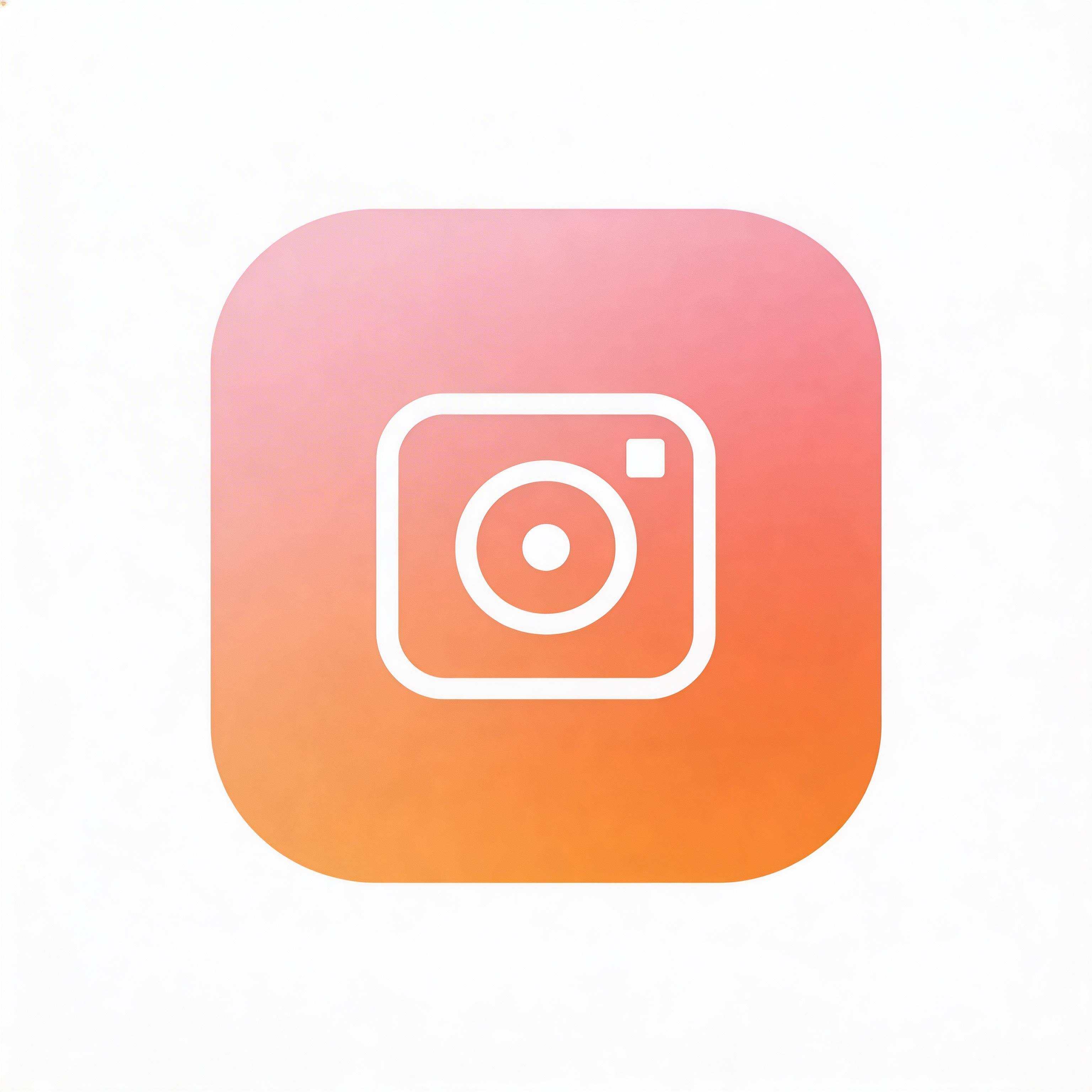
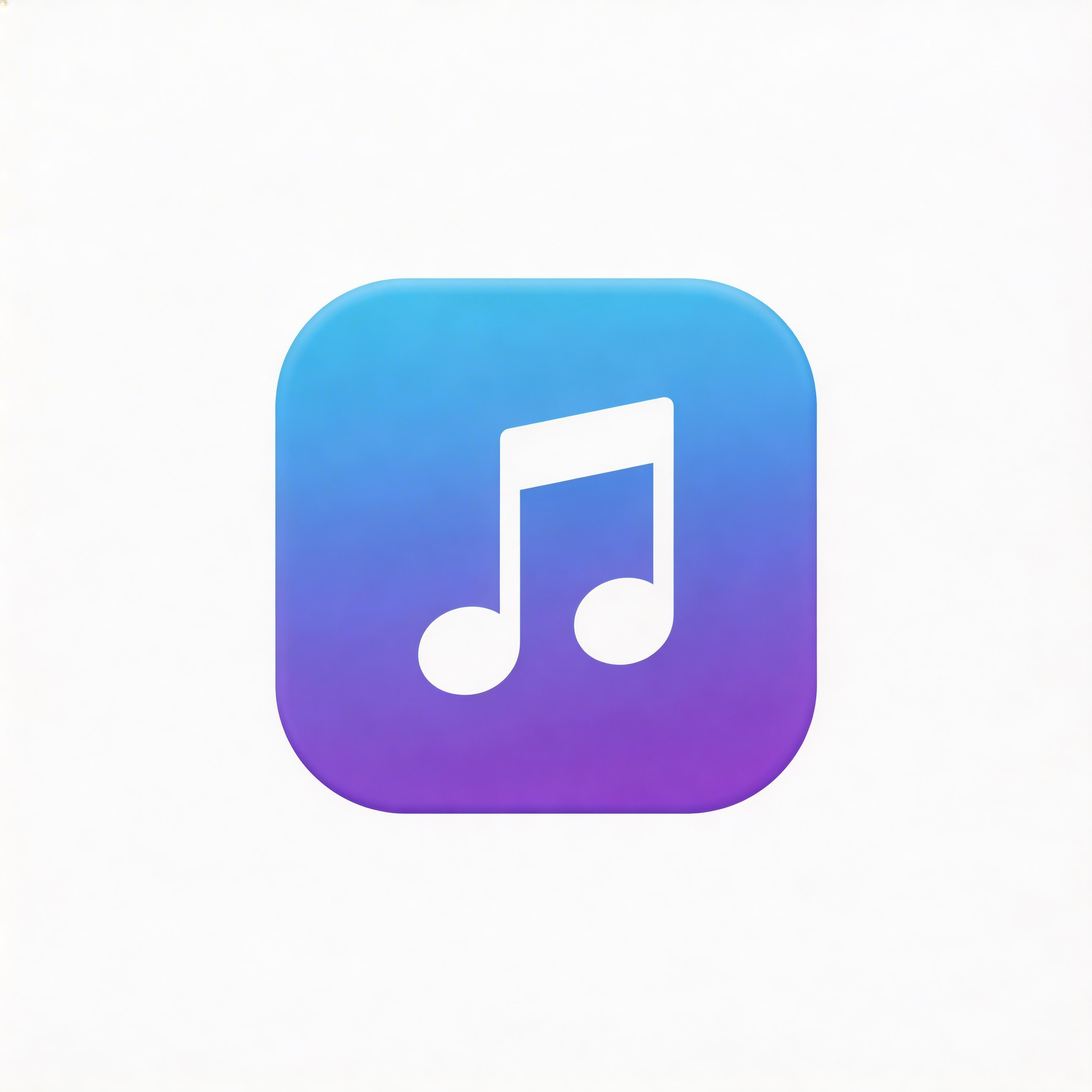
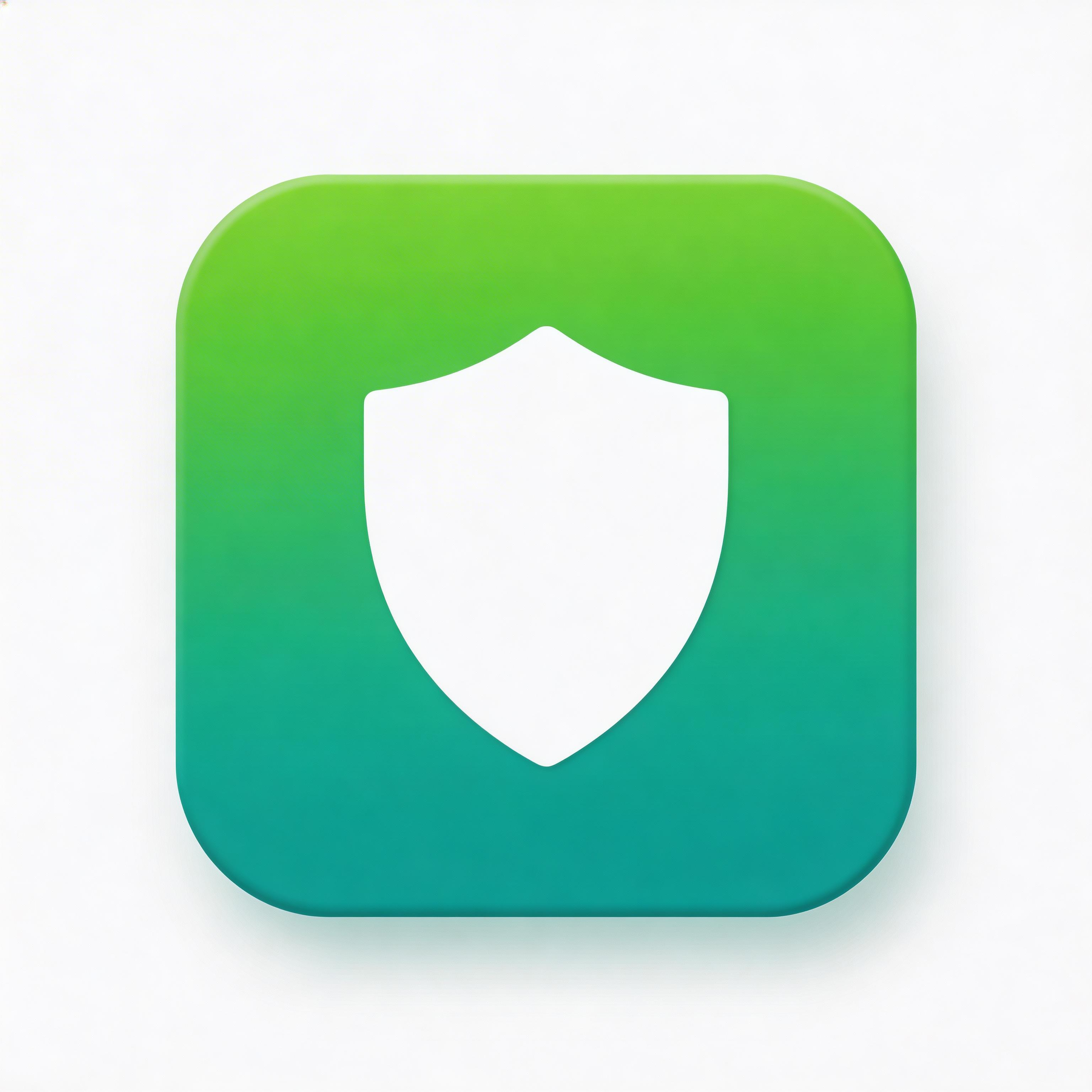
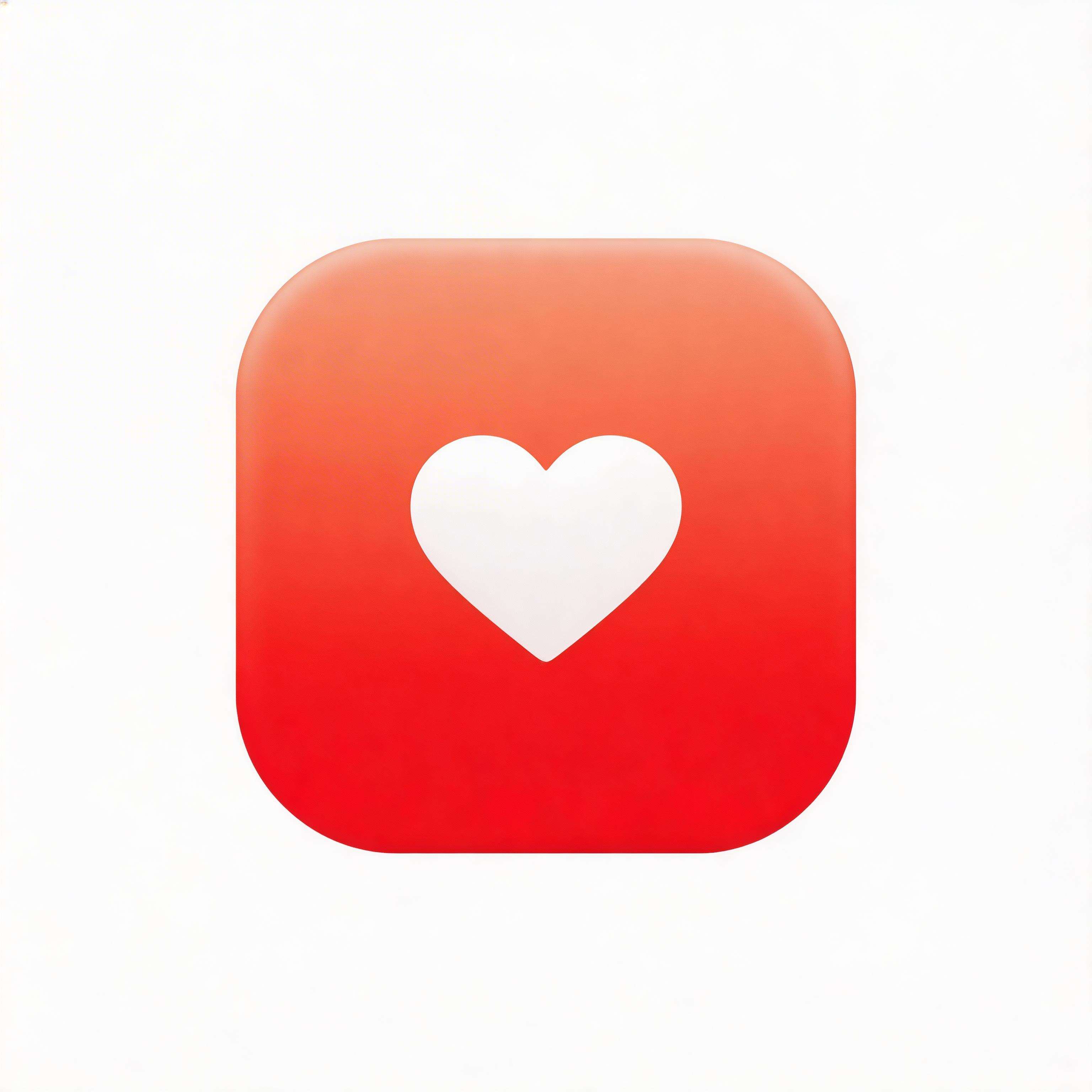
Choose from multiple styles

Flat Design
Clean lines, solid colors, modern simplicity

Gradient
Smooth color transitions, depth and dimension

Glassmorphism
Frosted glass effect, translucent layers

3D Rendered
Realistic depth, shadows, and lighting

Minimalist
Essential elements only, maximum clarity
From idea to icon in seconds
Describe Your Vision
Tell the AI your app concept and preferred color palette.
Choose Color Direction
Select gradient colors that match your brand identity.
AI Creates the Blend
IconikAI generates smooth, banding-free gradient icons.
Export & Launch
Download your vibrant gradient icon in all sizes.
Everything you need for perfect icons
Color Theory Built In
AI applies color harmony rules for gradients that feel natural and visually balanced.
Multiple Gradient Types
Linear, radial, mesh, and angular gradients to match any design direction.
Vibrant and Banding-Free
High-resolution output with smooth transitions, zero gradient banding artifacts.
Dark Mode Ready
Gradient icons excel against dark backgrounds with natural contrast and depth.
Frequently asked questions
Purple-to-pink, blue-to-teal, orange-to-red, and green-to-cyan are consistently popular and effective.
Mesh gradients use multiple color control points to create complex, organic color blends like aurora effects.
Yes, gradient icons excel in dark mode because color transitions create natural contrast.
Yes. This is one of the most effective patterns: vibrant gradient background with clean white symbol.
Ready to get started?
What Is a Gradient App Icon Generator?
A gradient app icon generator creates icons featuring smooth color transitions that add depth, energy, and visual richness to your app branding. Gradient icons use color theory principles to blend two or more hues seamlessly, creating eye-catching results that stand out in app stores and on device home screens.
Gradient design experienced a major resurgence starting in 2017 with Instagram's rainbow gradient rebrand, and has since become one of the most enduring trends in app icon design. In 2026, gradient icons remain among the most popular styles for consumer-facing applications.
Why Do Gradient Icons Perform Well in App Stores?
Gradient icons create visual depth and energy that flat, single-color icons cannot match. The smooth color transition naturally draws the eye and creates a sense of premium quality. App store optimization data consistently shows that well-designed gradient icons achieve higher tap-through rates than monochromatic alternatives.
| Gradient Type | Effect | Best For |
|---|---|---|
| Linear | Smooth directional transition | General purpose, clean look |
| Radial | Center-outward color shift | Circular icons, spotlight effect |
| Mesh | Multi-point color blending | Complex, vibrant, Instagram-style |
| Angular | Rotational color sweep | Dynamic, energetic feel |
| Duotone | Two-color overlay | Photography apps, editorial |
How Do You Choose Colors for a Gradient Icon?
Color selection is the most critical decision in gradient icon design. The most effective gradients follow these principles:
- Analogous colors: Colors adjacent on the color wheel (blue to purple, orange to red) create harmonious, natural-feeling gradients
- Complementary accents: Small touches of a complementary color can add vibrancy without clashing
- Warm-to-cool transitions: Moving from warm to cool tones creates a sense of depth and dimension
- Brand alignment: Your gradient should incorporate or complement your existing brand colors
The most iconic gradient icons in app history use just two colors with a smooth, confident transition. Avoid using more than three colors unless creating a specific mesh gradient effect.
What Is a Mesh Gradient?
Mesh gradients use multiple color control points distributed across a grid to create complex, organic color blends. Unlike linear or radial gradients, mesh gradients can produce the flowing, aurora-like color effects seen in modern app icons. This technique was popularized by design tools and is now used by major consumer apps for a premium, dynamic appearance.
How Does AI Generate Gradient Icons?
IconikAI understands color theory and gradient design principles. When you describe your desired colors and mood, the AI applies appropriate gradient types, ensures smooth transitions without banding, and creates professional results that respect color harmony rules.
The AI can generate linear, radial, mesh, and angular gradient variations, letting you compare different approaches before committing to a final design.
Do Gradient Icons Work in Dark Mode?
Yes. Well-designed gradient icons actually excel in dark mode because the color transitions create natural contrast against dark backgrounds. The key is ensuring your gradient includes at least one lighter color that provides sufficient contrast. Avoid gradients that are entirely dark-toned, as they can disappear against dark mode interfaces.
Frequently Asked Questions
What are the best color combinations for gradient icons? Purple-to-pink, blue-to-teal, orange-to-red, and green-to-cyan are consistently popular and effective. The key is choosing colors that are close on the color wheel for smooth transitions.
How do I avoid gradient banding? Use sufficient color depth (24-bit minimum) and ensure smooth transitions between colors. IconikAI generates banding-free gradients automatically at high resolution.
Should my gradient match my app UI colors? Your icon gradient should complement your UI palette but does not need to match exactly. Many successful apps use a bolder gradient on their icon that hints at a more subdued version used in the interface.
Can I use a gradient background with a white symbol on top? Yes. This is one of the most effective gradient icon patterns: a vibrant gradient background with a clean white symbol or letterform creates strong contrast and readability at all sizes.