
3D App Icon Generator
Create stunning 3D app icons with realistic depth, lighting, and shadows. Clay render, isometric, and photorealistic styles.
No credit card required
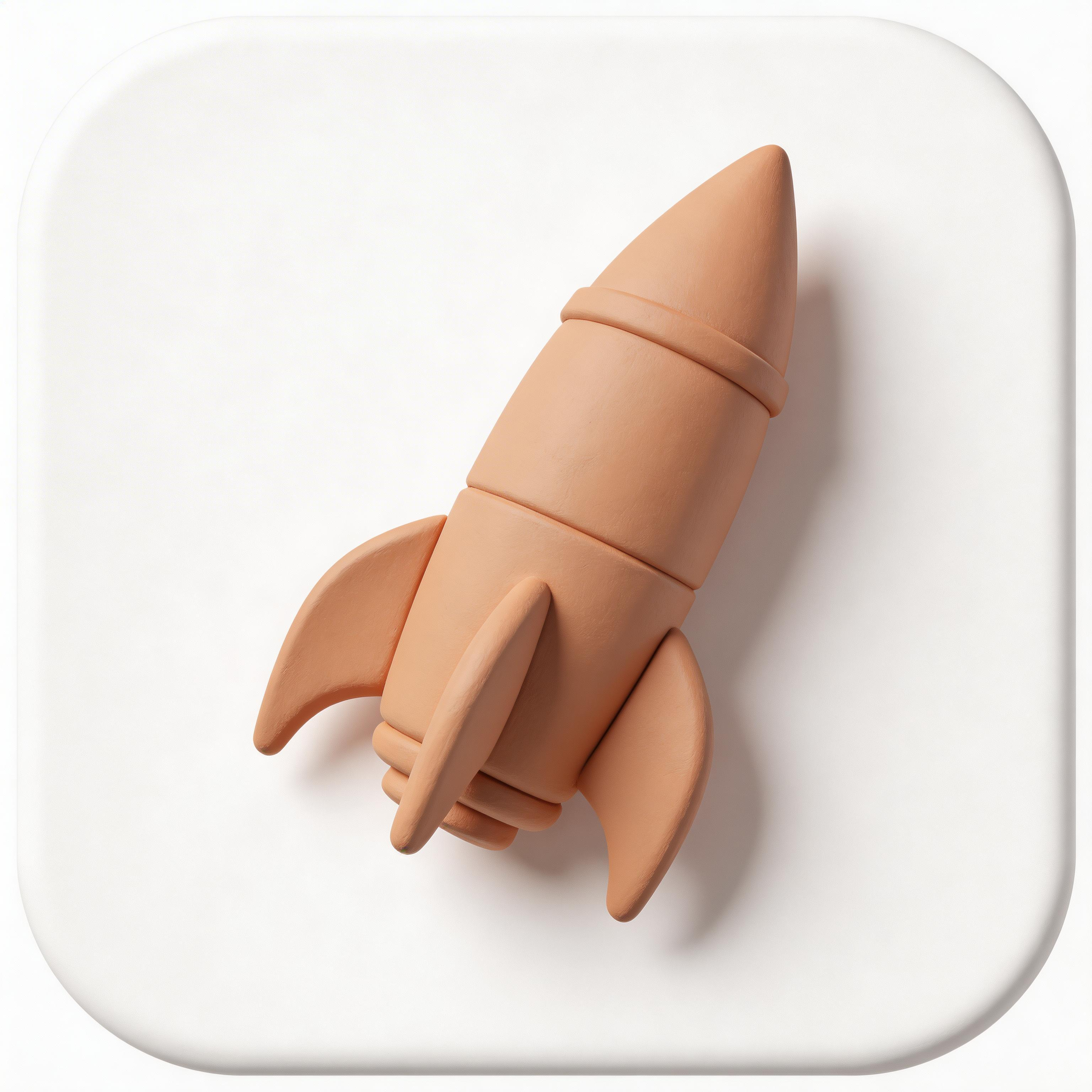
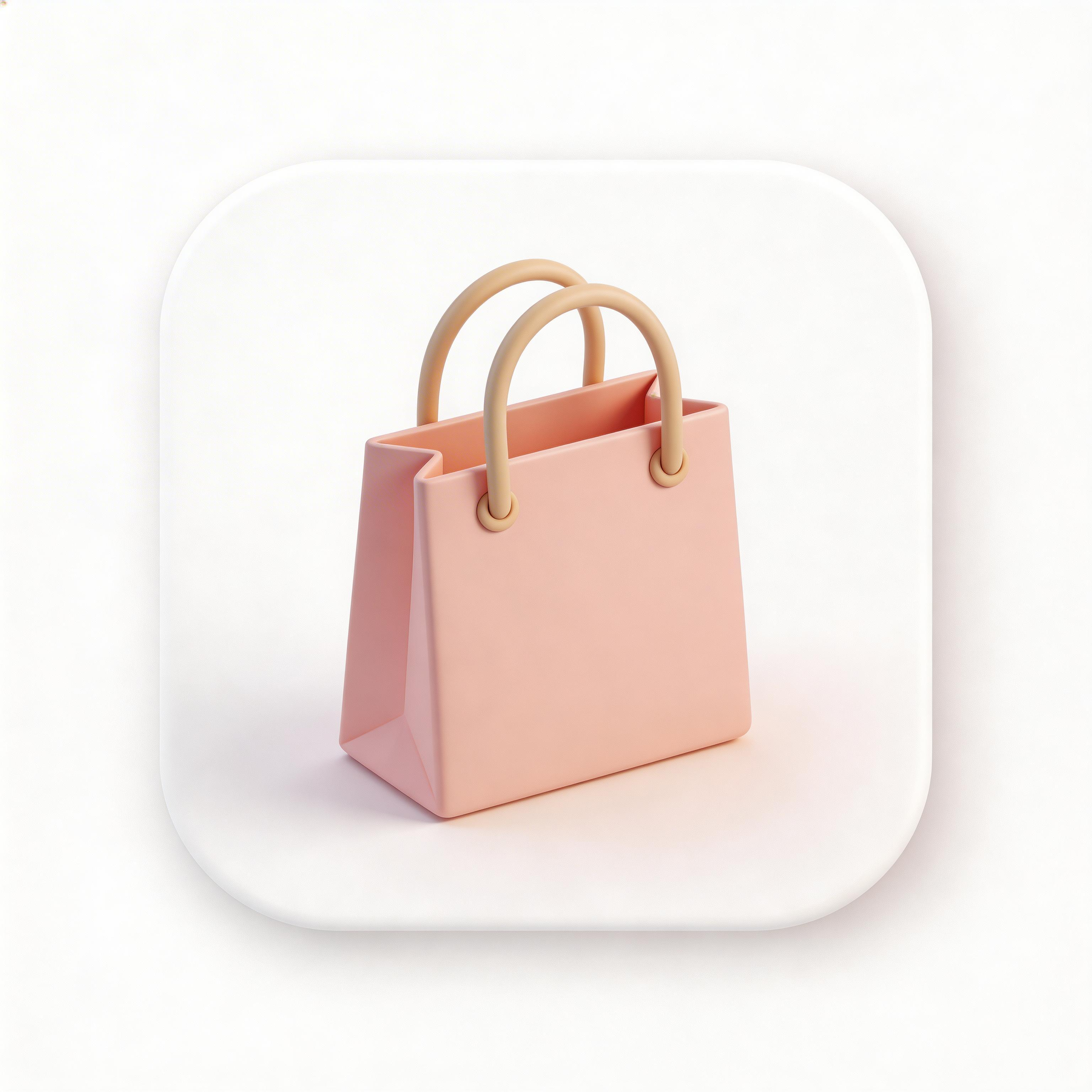
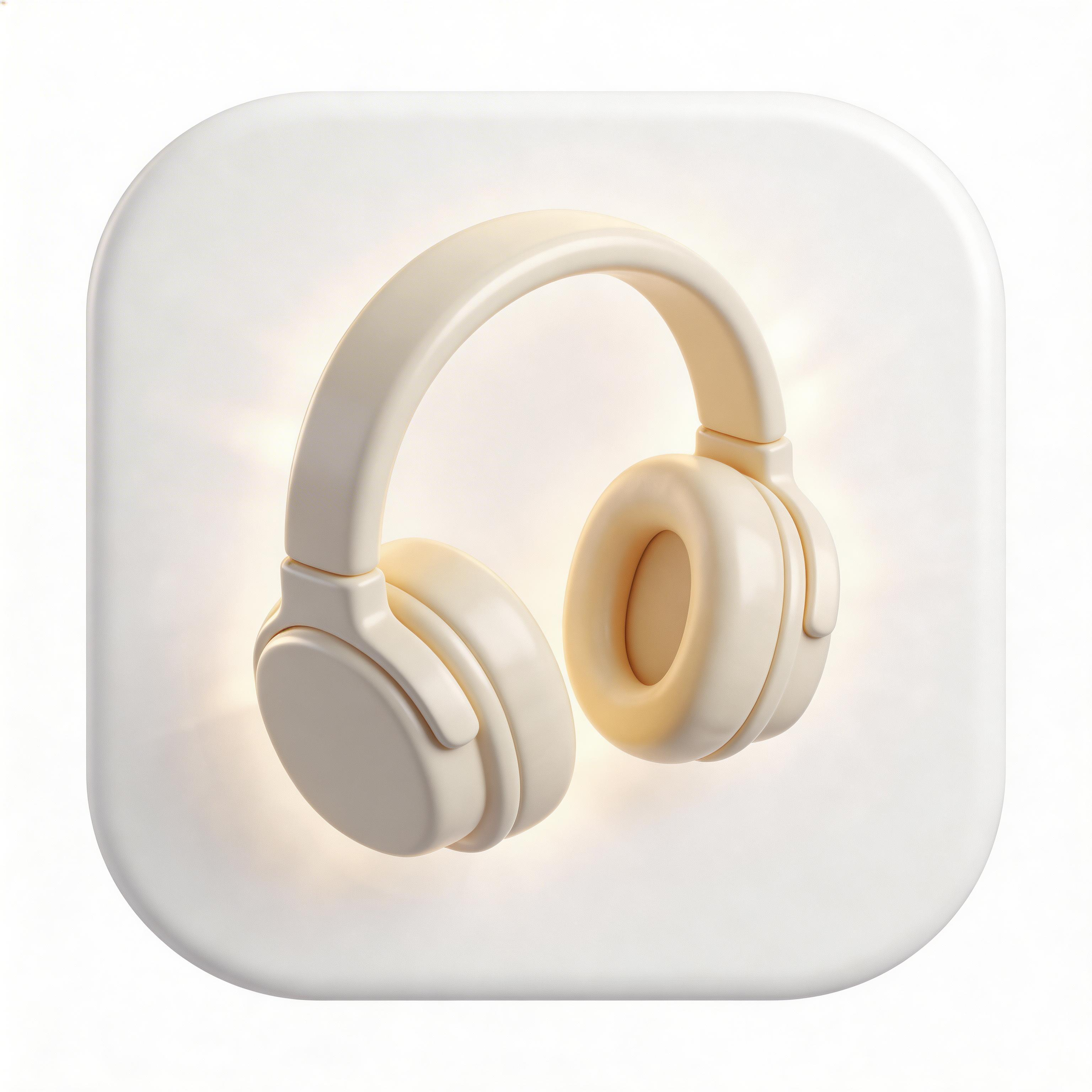
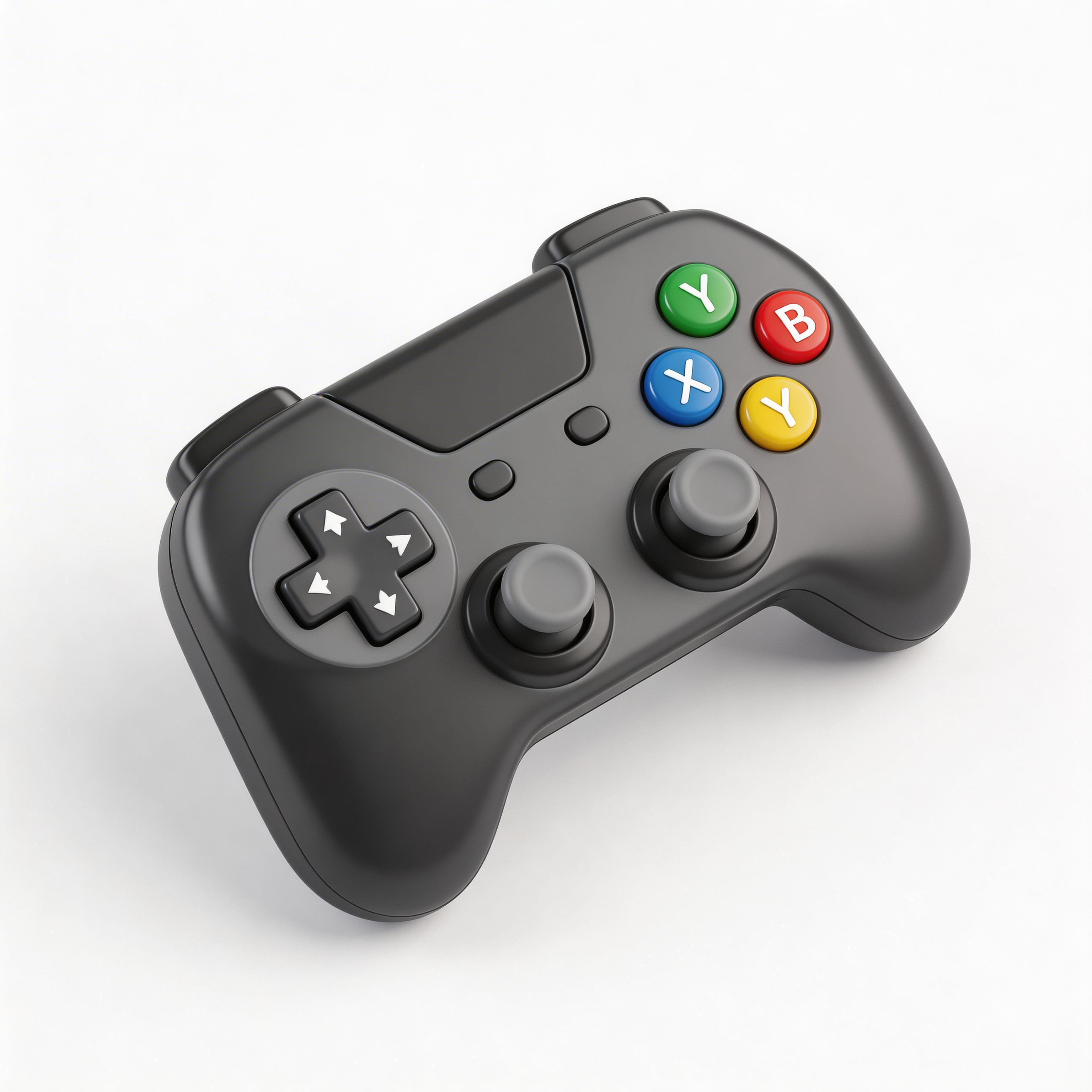
Choose from multiple styles

Flat Design
Clean lines, solid colors, modern simplicity

Gradient
Smooth color transitions, depth and dimension

Glassmorphism
Frosted glass effect, translucent layers

3D Rendered
Realistic depth, shadows, and lighting

Minimalist
Essential elements only, maximum clarity
From idea to icon in seconds
Describe Your Concept
Tell the AI your app idea and preferred 3D style (clay, isometric, glossy, realistic).
Pick Materials & Colors
Choose material finishes and brand colors for your 3D icon.
AI Renders Your Icon
IconikAI generates photorealistic 3D icons with proper lighting and shadows.
Export & Launch
Download your production-ready 3D icon in all required sizes.
Everything you need for perfect icons
Realistic Depth
True 3D perspective with accurate lighting, shadows, and material properties that look modeled in Blender.
Studio Lighting
Professional lighting setups with key, fill, and rim lights for polished, app-store-ready results.
Multiple 3D Styles
Clay render, isometric, glossy, and photorealistic substyles to match any brand personality.
Seconds Not Hours
Skip the Blender learning curve. Generate production-quality 3D icons instantly with text descriptions.
Frequently asked questions
Yes, when designed properly. IconikAI optimizes 3D icons to remain readable at all standard icon sizes.
Clay render mimics soft clay with matte surfaces, gentle shadows, and pastel colors. Popular for SaaS and productivity apps.
Yes. IconikAI generates isometric 3D icons at a consistent 45-degree viewing angle.
Absolutely. The clay render style is widely used by modern B2B SaaS companies.
Ready to get started?
What Is a 3D App Icon Generator?
A 3D app icon generator uses AI to create app icons with realistic depth, lighting, and shadows that give them a tangible, physical quality. These icons use techniques from 3D rendering software like Blender and Cinema 4D to produce clay-render, isometric, and photorealistic icon styles that stand out in app stores and on home screens.
3D icon design has become one of the fastest-growing trends in app design since 2023, with major brands adopting volumetric, dimensional icons to differentiate from flat design competitors.
Why Are 3D App Icons So Popular in 2026?
The shift toward 3D app icons accelerated as devices gained higher-resolution displays capable of showcasing subtle lighting and shadow effects. The clay render aesthetic, popularized by design tools and creative agencies, gives icons a tactile, premium feel that flat icons cannot achieve.
| 3D Style | Best For | Key Characteristics |
|---|---|---|
| Clay Render | Productivity, SaaS | Soft shadows, matte material, pastel colors |
| Isometric | Games, Tech | 45-degree angle, geometric precision |
| Glossy 3D | Consumer Apps | Specular highlights, vibrant reflections |
| Realistic | E-commerce, Finance | Photorealistic materials, studio lighting |
How Does AI Generate 3D App Icons?
IconikAI uses advanced image generation models trained on thousands of professional 3D-rendered icons. When you describe your icon concept, the AI applies realistic lighting, perspective, depth-of-field, and material properties to create icons that look like they were modeled in dedicated 3D software.
The key advantage over traditional 3D workflows is speed: what takes hours in Blender or Cinema 4D takes seconds with AI generation, without requiring any 3D modeling expertise.
What Makes a Great 3D App Icon?
Effective 3D icons balance visual impact with clarity:
- Consistent lighting: A single, clear light source creates believable depth without visual confusion
- Material choice: Clay, glass, metal, and plastic materials each convey different brand personalities
- Controlled complexity: The 3D effect should enhance recognition, not obscure the core symbol
- Shadow grounding: Subtle shadows anchor the icon and create a sense of physical presence
3D-styled icons stand out in competitive categories like games and creative tools, where flat icons blend into the grid. Depth and lighting give a thumbnail-sized icon a focal point, and that focal point is what earns the tap.
What Is the Clay Render Icon Style?
Clay render is a 3D icon style that mimics the look of objects sculpted from soft clay or plasticine. It features matte surfaces, gentle ambient occlusion, soft rounded edges, and typically uses pastel or muted color palettes. This style has become especially popular for SaaS products, productivity tools, and startup branding.
Can I Create Isometric 3D App Icons with AI?
Yes. IconikAI can generate isometric 3D icons that present objects at a consistent 45-degree viewing angle. Isometric icons are particularly effective for tech products, development tools, and gaming apps where the structured perspective conveys precision and technical sophistication.
Frequently Asked Questions
Do 3D icons work well at small sizes? Yes, when designed properly. The key is ensuring the 3D effect adds depth without cluttering the silhouette. IconikAI optimizes 3D icons to remain readable at all standard icon sizes.
What resolution do 3D app icons need? Standard requirements apply: 1024x1024 for iOS and macOS, 512x512 for Android adaptive icons. The 3D rendering detail benefits from these high-resolution outputs.
Can I match my brand colors in a 3D icon? Absolutely. Describe your brand colors in your prompt and the AI will apply them as material colors with appropriate 3D lighting and shading.
Are 3D icons appropriate for professional B2B apps? Yes. The clay render substyle is widely used in B2B SaaS. Companies like Notion, Linear, and many YC startups use 3D-styled icons to appear modern and approachable.