
macOS App Icon Generator
Create professional macOS icons with AI in seconds. Squircle shape, Apple HIG compliant, App Store ready.
No credit card required
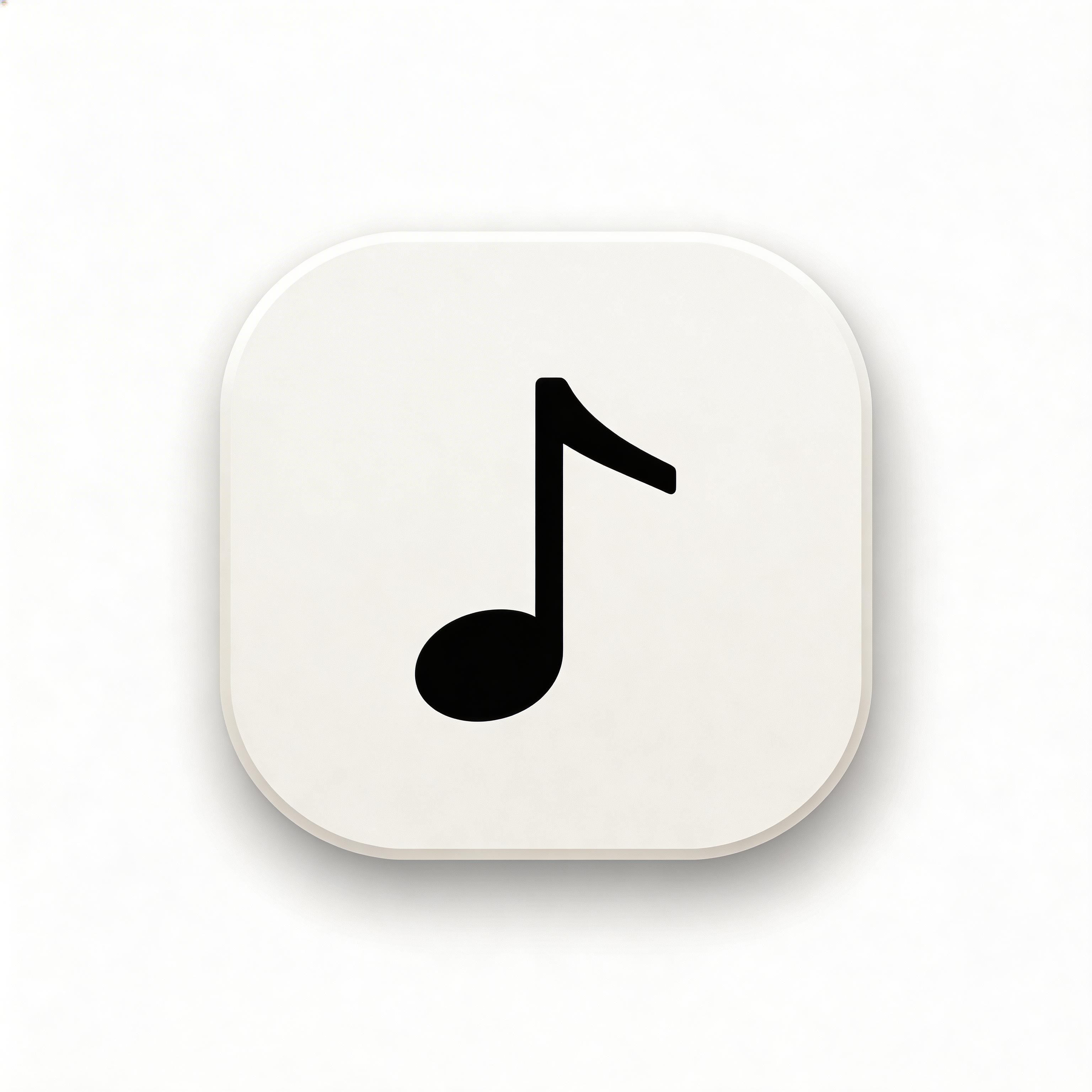
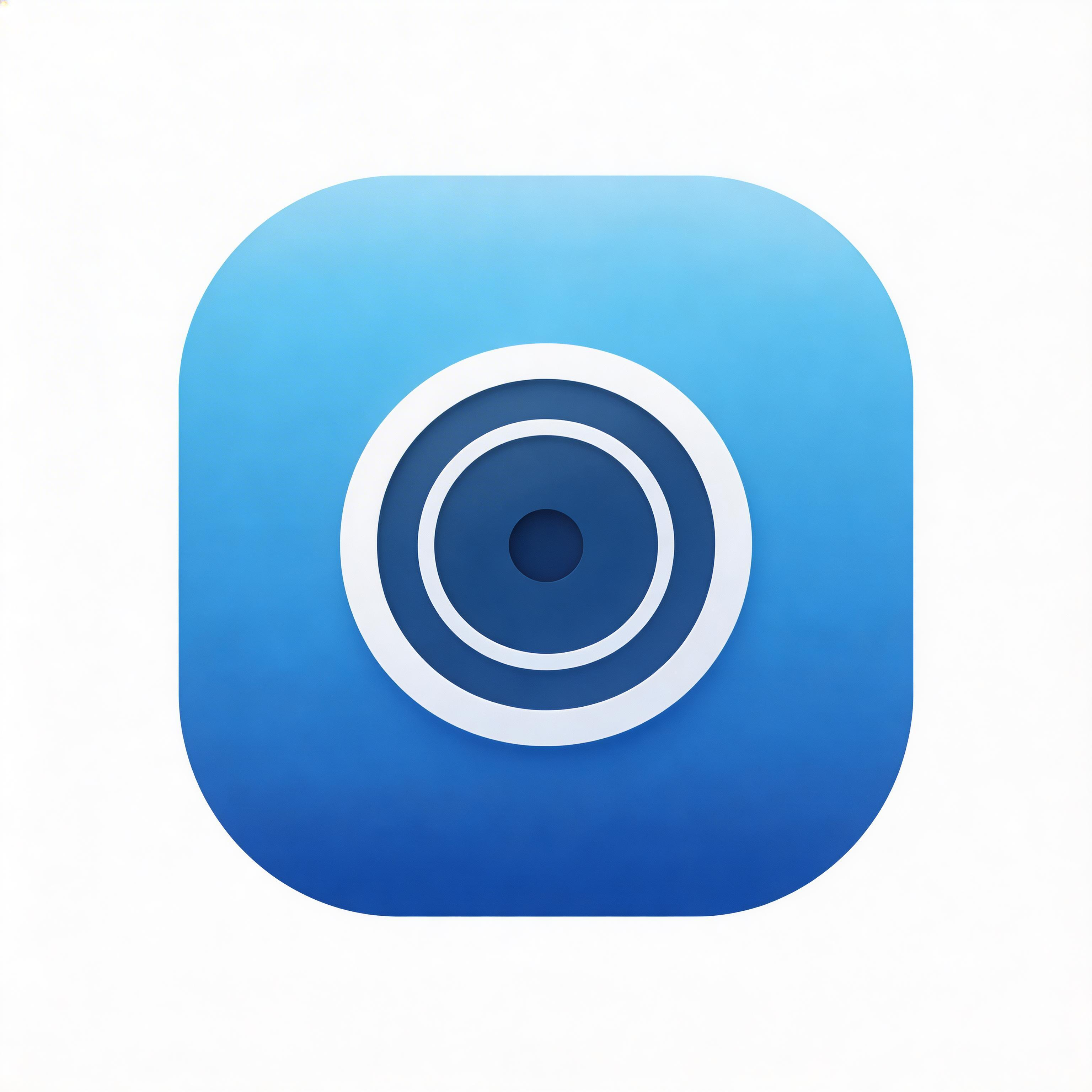
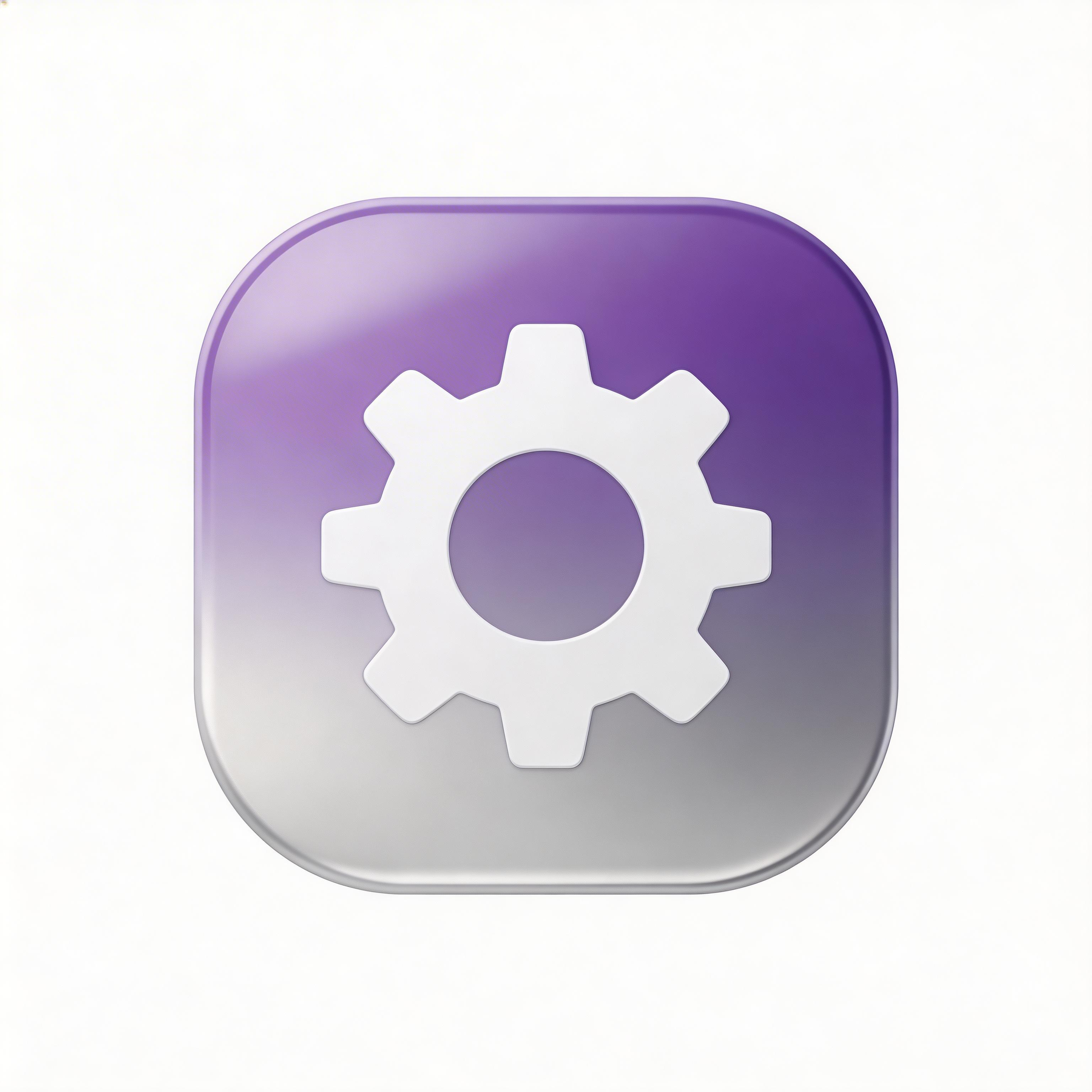
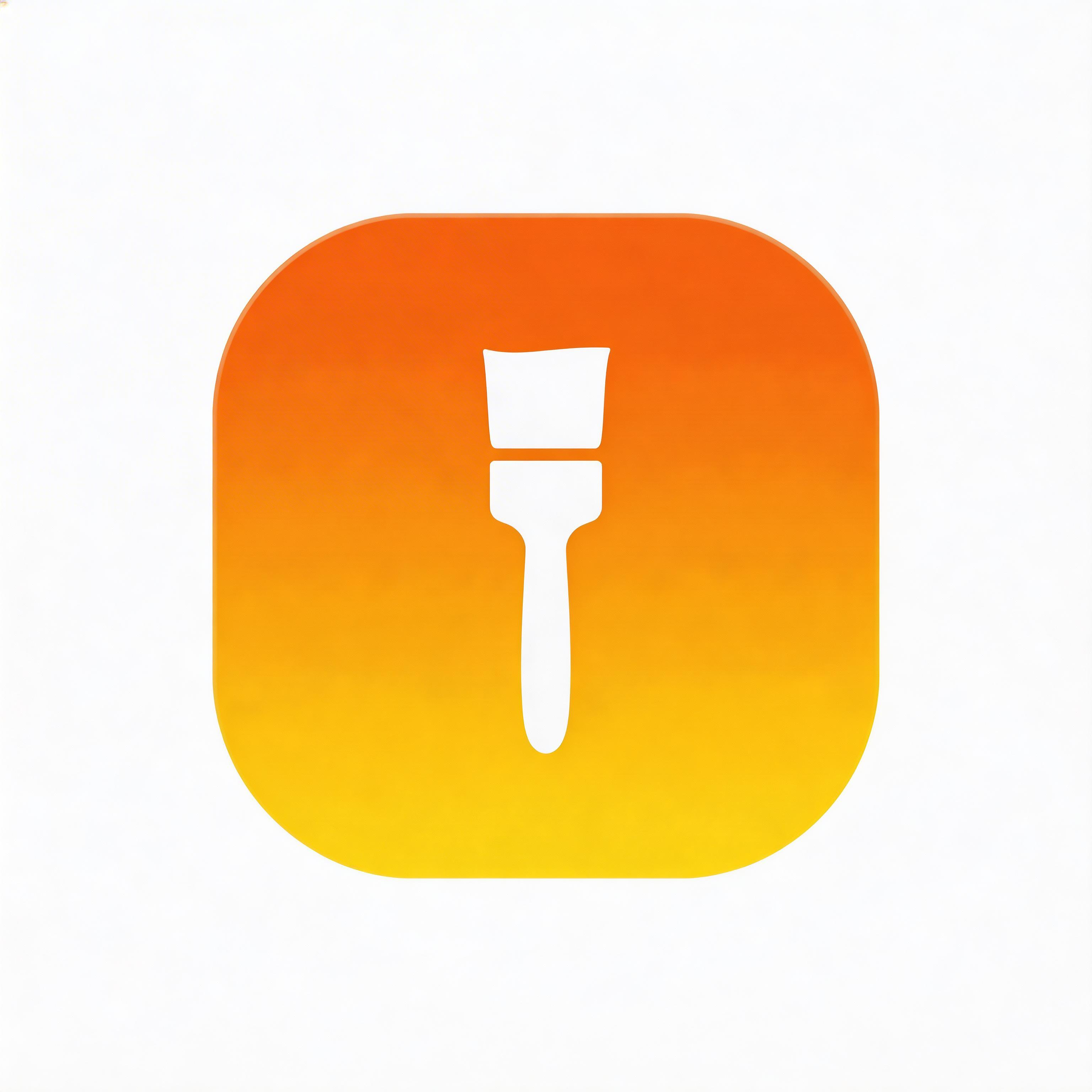
Choose from multiple styles

Flat Design
Clean lines, solid colors, modern simplicity

Gradient
Smooth color transitions, depth and dimension

Glassmorphism
Frosted glass effect, translucent layers

3D Rendered
Realistic depth, shadows, and lighting

Minimalist
Essential elements only, maximum clarity
From idea to icon in seconds
Describe Your Icon
Tell the AI what your macOS app does and the style you want.
Choose Your Style
Select from flat, gradient, 3D, glassmorphism, or minimalist styles.
AI Generates Options
IconikAI creates multiple icon variations in the macOS squircle format.
Download & Ship
Export your 1024x1024 PNG and drop it into Xcode.
Everything you need for perfect icons
Apple HIG Compliant
Every icon follows Apple Human Interface Guidelines with proper squircle masking and optical weight.
All Sizes Included
Start from a crisp 1024x1024 base that scales cleanly to every required macOS icon size down to 16x16.
Sonoma Design Language
Icons match the modern macOS aesthetic with appropriate depth, lighting, and material properties.
Xcode Ready
Output PNG files drop directly into your Xcode Asset Catalog or convert to .icns with one Terminal command.
Frequently asked questions
Start with a 1024x1024 pixel master image. macOS automatically generates smaller sizes from this base.
Create an iconset folder with properly named size variants, then run iconutil -c icns MyIcon.iconset in Terminal.
Yes, as long as they meet Apple technical requirements, are original, and comply with App Store Review Guidelines.
No. macOS does not currently require separate light and dark mode variants for app icons.
Ready to get started?
What Is a macOS App Icon Generator?
A macOS app icon generator is an AI-powered tool that creates professional application icons formatted specifically for Apple macOS. These icons follow Apple Human Interface Guidelines, including the signature squircle (superellipse) shape, 1024x1024 base resolution, and the design language introduced in macOS Big Sur and refined through Sonoma.
According to Apple developer documentation, macOS app icons require a 1024x1024 pixel base image that the system automatically scales to all required sizes including 512x512, 256x256, 128x128, 32x32, and 16x16 pixels.
macOS Icon Generator vs Mac Icon Maker: Are They the Same Thing?
Yes — "macOS icon generator", "macOS icon maker", "mac icon generator", "mac icon maker", "apple icon generator", "macos icon creator" and "macos icon builder" all describe the same job: turning an idea into a Mac-shaped icon file you can ship. The naming differs by search habit, not by function. What actually differs is the route you take to get there.
| Route | What you type | What you get back | Best for |
|---|---|---|---|
| AI mac icon generator (IconikAI) | A plain-language description | 1024x1024 PNG variants in your chosen style | Starting from nothing |
| Apple Icon Composer | A layered source file | Apple's own layered icon format | Teams already in Xcode with artwork |
| Manual mac icon maker (design tool) | Vectors and shapes you draw | Whatever you export | Designers with an existing brand system |
| Command-line macos icon builder | An existing 1024px PNG | Resized .icns or iconset | Automating a build you already have art for |
The distinction that matters: a mac app icon creator that starts from text (like IconikAI) removes the blank-canvas problem, while a macos icon builder that starts from a PNG only handles resizing. If you already have finished artwork, you need the second. If you do not, you need the first — and then the second.
Mac App Icon Generator: The Full macOS Size Ladder
A mac app icon generator has to satisfy more sizes than iOS does, because macOS renders your icon everywhere from a 16-pixel Finder list row up to a full-resolution Quick Look preview. Xcode expects both @1x and @2x entries for each nominal size.
| Nominal size | @1x pixels | @2x pixels | Where it shows |
|---|---|---|---|
| 16pt | 16x16 | 32x32 | Finder list view, menu bar |
| 32pt | 32x32 | 64x64 | Finder icon view (small) |
| 128pt | 128x128 | 256x256 | Finder icon view (medium) |
| 256pt | 256x256 | 512x512 | Finder icon view (large), Quick Look |
| 512pt | 512x512 | 1024x1024 | Mac App Store, Quick Look at full size |
That is ten slots in a single AppIcon.appiconset. Generate once at 1024x1024 and downscale — never upscale a small file to fill the top of the ladder, because the softness is visible at 512pt and above.
If you also ship on iPhone or iPad, the iOS app icon size guidelines cover the separate ladder Apple expects there, and the app icon size chart puts every Apple and Android size in one place.
Why Do macOS App Icons Use the Squircle Shape?
Apple adopted the continuous-curvature squircle (superellipse) shape starting with macOS Big Sur in 2020 to unify the design language across all Apple platforms. Unlike a simple rounded rectangle, the squircle uses a mathematical superellipse formula that creates smoother, more organic-feeling corners.
| Property | macOS Requirement | What to supply |
|---|---|---|
| Base Size | 1024x1024 px | 1024x1024 px |
| Shape | Squircle (superellipse) | Full-bleed square artwork — macOS applies the mask |
| Format | .icns or .png | PNG (convertible with iconutil) |
| Color Space | Display P3 | sRGB or P3 |
| Layers | Single layer recommended | Single layer |
How Do You Create a macOS App Icon That Meets Apple Guidelines?
Creating a compliant macOS icon traditionally requires understanding Apple grid system, maintaining optical alignment, and designing at multiple resolutions. With IconikAI macOS app icon generator, you describe your icon concept in plain language and the AI produces a 1024x1024 master built to macOS design conventions — the squircle-safe full-bleed canvas, single-layer composition, and legibility at small sizes.
The process takes seconds rather than hours, and the output is immediately usable in Xcode by converting the PNG to an .icns file or placing it in an Asset Catalog. For a deeper walkthrough with style choices, prompt examples, and Big Sur-to-Sonoma design notes, see our complete macOS AI app icon generator guide.
How to Create a Mac Icon and Export .icns
The fastest way to create mac icon files that Xcode accepts is to generate the 1024px master first and let a converter handle the rest. This is the shortest path from idea to shipped file. It works whether you start in a mac os app icon generator or with artwork you already own.
- Describe the icon. One sentence covering the subject, the style, and the palette — for example, "a minimal navy compass rose, flat style, soft gradient background". Style prompts that work well are collected in the app icon prompt guide.
- Generate and pick a variant. Each generation returns contextual variants at 1024x1024. Choose the one that still reads clearly when you shrink the preview — that is your 16pt test.
- Build the iconset folder. Create
MyIcon.iconsetand place the ten files named exactly as Apple expects:icon_16x16.png,icon_16x16@2x.png,icon_32x32.png,icon_32x32@2x.png,icon_128x128.png,icon_128x128@2x.png,icon_256x256.png,icon_256x256@2x.png,icon_512x512.png,icon_512x512@2x.png. - Convert to .icns. Run
iconutil -c icns MyIcon.iconsetin Terminal. Apple'siconutilships with macOS, so there is nothing to install. - Drop it into Xcode. Either add the
.icnsto your target, or place the PNGs directly intoAssets.xcassets/AppIcon.appiconsetand let Xcode manage them.
One rule that catches people out: macOS icons should not have pre-rounded corners baked in. Supply a full-bleed square and let the system clip it. Icons with their own rounded corners end up double-masked and look inset in the Dock.
Mac Icons Alongside Your Other Platforms
Most apps that ship on Mac ship somewhere else too, and the artwork should carry across. IconikAI generates from the same description for each target, so the family stays visually consistent:
- iOS app icon generator — iPhone and iPad, with the separate Apple ladder
- Windows app icon generator — for cross-platform desktop builds
- Electron app icon generator — one description, macOS and Windows targets from a single Electron build
- Liquid Glass icon generator — Apple's newer glass treatment, if you are matching the current system look
- Minimalist icon generator — the style that survives the 16pt Finder row best
What Makes a Great macOS App Icon?
Apple design team emphasizes several principles for effective macOS icons:
- Simplicity: A single, recognizable silhouette that reads clearly at 16x16 pixels
- Consistency: Following the platform squircle mask and shadow conventions
- Depth: Subtle use of lighting and dimension consistent with macOS Sonoma design language
- Distinctiveness: Standing out in the Dock and Launchpad among other apps
On the Mac App Store your icon is often the first and smallest thing a browsing user sees, so legibility at small sizes does more work than detail at full size. Design for the 32pt Finder row first and the 1024px master will take care of itself.
Can I Use AI-Generated Icons in the Mac App Store?
Apple's App Store Review Guidelines do not prohibit AI-generated artwork, and AI-generated icons are in use on the Mac App Store today. What review checks is the same set of requirements any icon must meet. The icon must be original, not infringe on existing trademarks, and comply with App Store Review Guidelines. IconikAI generates icons from your own text descriptions, so each output starts from your brief rather than a stock library. Check IconikAI's current terms for the licensing details that apply to your use.
What File Format Do macOS App Icons Need?
The native macOS icon format is .icns, which bundles multiple resolutions into a single file. However, modern Xcode workflows accept PNG files placed in an Asset Catalog (AppIcon.appiconset). IconikAI outputs high-resolution PNG files that can be directly placed into your Xcode project or converted to .icns using Apple iconutil command-line tool.
Frequently Asked Questions
What resolution should my macOS app icon be? Start with a 1024x1024 pixel master image. macOS automatically generates smaller sizes (512, 256, 128, 64, 32, 16) from this base.
How do I convert a PNG to .icns format? Use Apple iconutil tool: create an iconset folder with properly named size variants, then run iconutil -c icns MyIcon.iconset in Terminal.
Do I need separate icons for light and dark mode? macOS does not currently require separate light/dark icon variants for app icons, though system icons do adapt.
Can I customize the squircle shape? No. macOS applies the squircle mask automatically. Design your icon to fill the full square canvas and the OS handles the shape clipping.
Is there a free mac icon generator? IconikAI's App Icon Generator is listed as free to try, and there is no subscription to sign. Generation runs on pay-as-you-go credits — 2 credits per generation, with credit packs starting at $5 for 200 credits plus 100 bonus. No long contracts, no hidden fees.
What is the difference between a macos icon generator and Apple Icon Composer? Icon Composer takes artwork you already have and packages it in Apple's layered format. A macos icon generator like IconikAI creates the artwork itself from a text description, so it is the step before Icon Composer rather than a replacement for it.
Can a mac icon maker handle document and folder icons too? Yes, with one caveat. A macOS icon maker like IconikAI is built around app icons, but document type icons and custom folder icons use the same .icns format. To use it as a mac folder icon maker, generate the icon, export the 512x512 PNG, open the folder's Get Info panel in Finder, and paste the image onto the icon in the top-left corner. No extra tool needed.
Do I need a different icon for Apple Silicon and Intel Macs? No. The icon is architecture-independent — one .icns or one Asset Catalog serves both.
Why does my icon look blurry in the Dock? Almost always because a smaller file was upscaled into the 512pt or 1024px slot. Generate at 1024x1024 and only ever downscale.
Related macOS Icon Resources
- macOS AI App Icon Generator: 2026 Guide — full walkthrough including .icns export, Asset Catalog layout, and Sonoma design tips
- iOS App Icon Size Guidelines — useful if you ship the same app on iPhone and Mac
- App Icon Design Trends 2026 — current styles winning in the Mac App Store
- App Icon Size Chart 2026 — every Apple and Android size in one reference table
- Free App Icon Generator — the main tool, all platforms in one place