Liquid Glass Icon Generator
Create iOS 26 Liquid Glass app icons with AI — real depth, translucency, and light-responsive glass. Sharp foreground, colorful backdrop, every size exported.
No credit card required
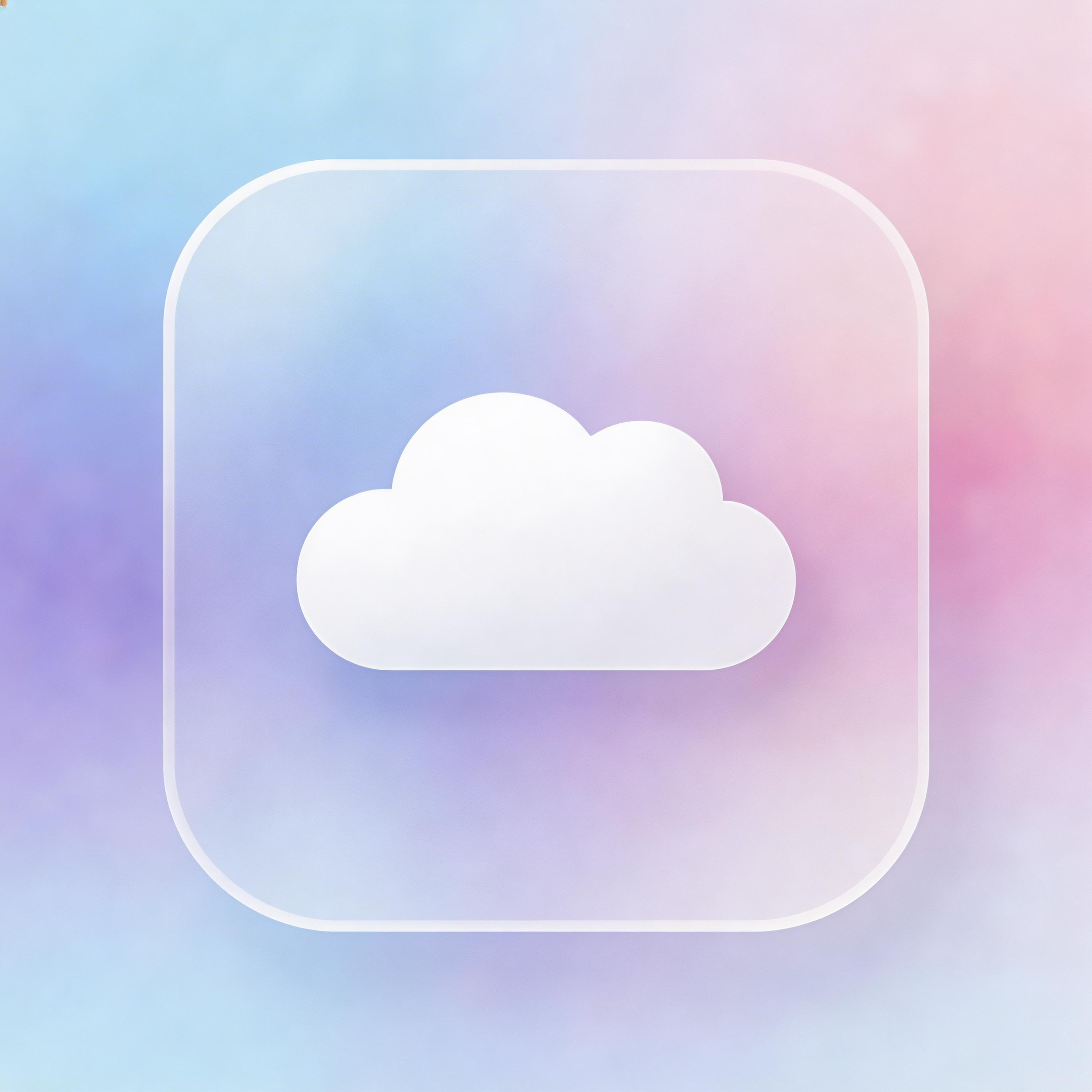
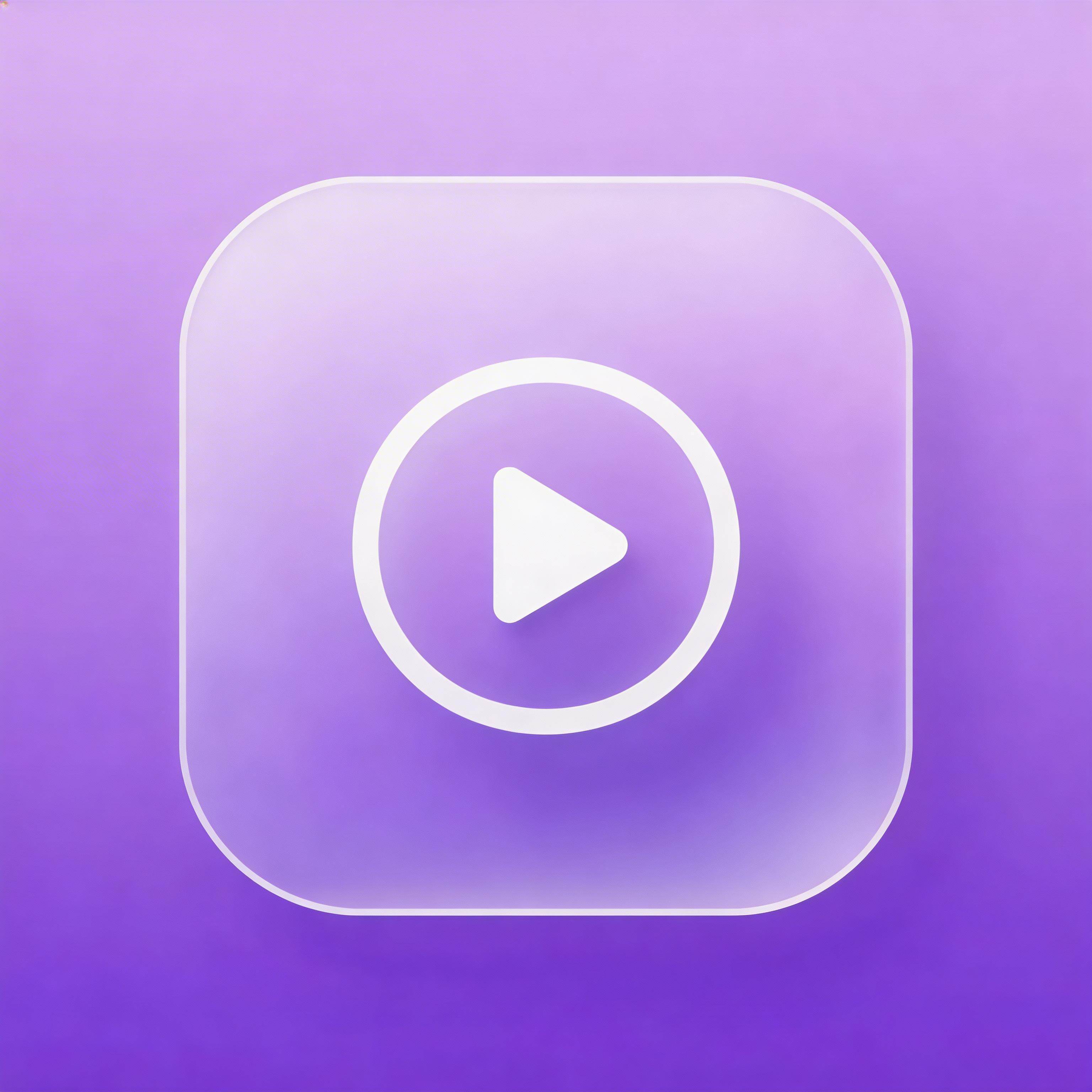
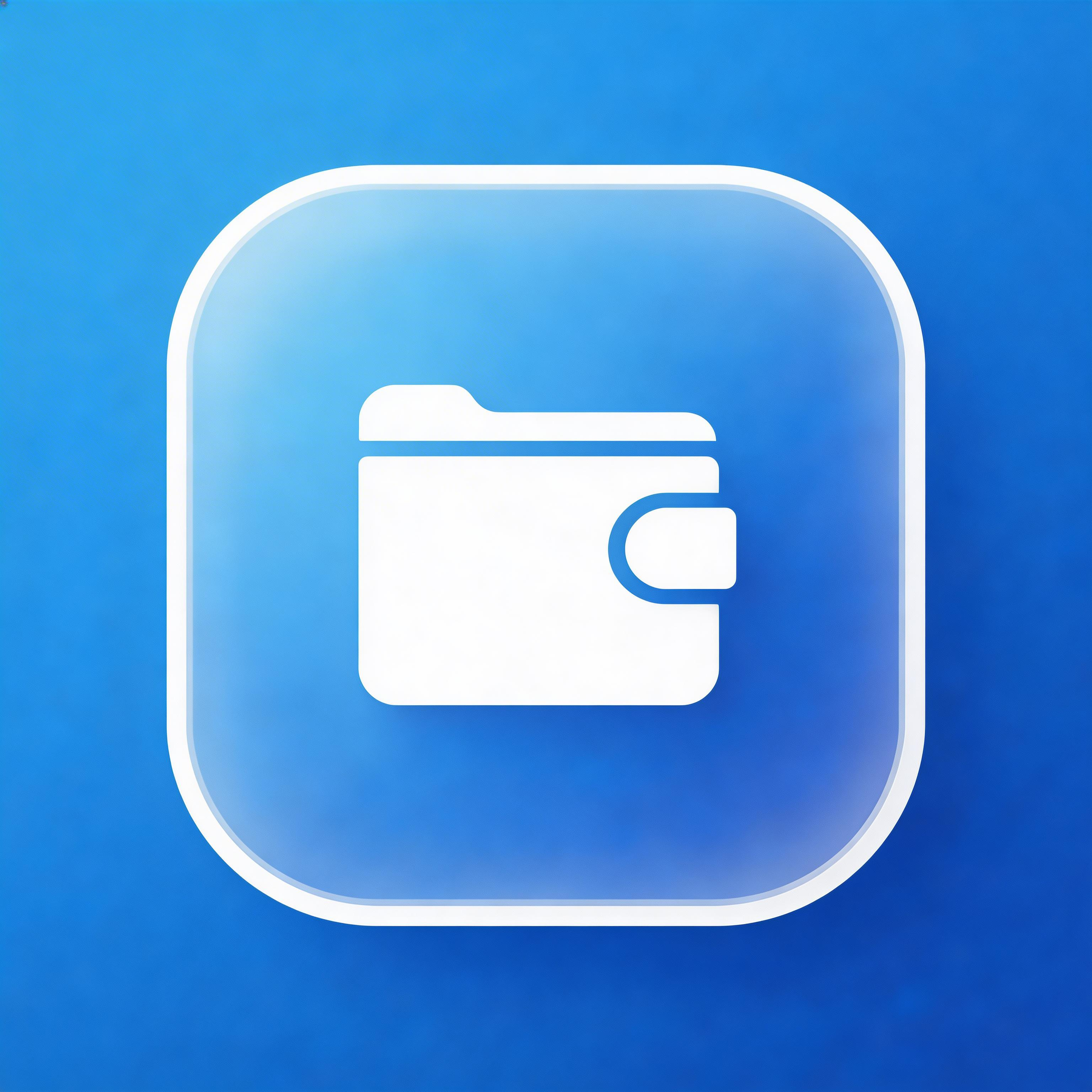
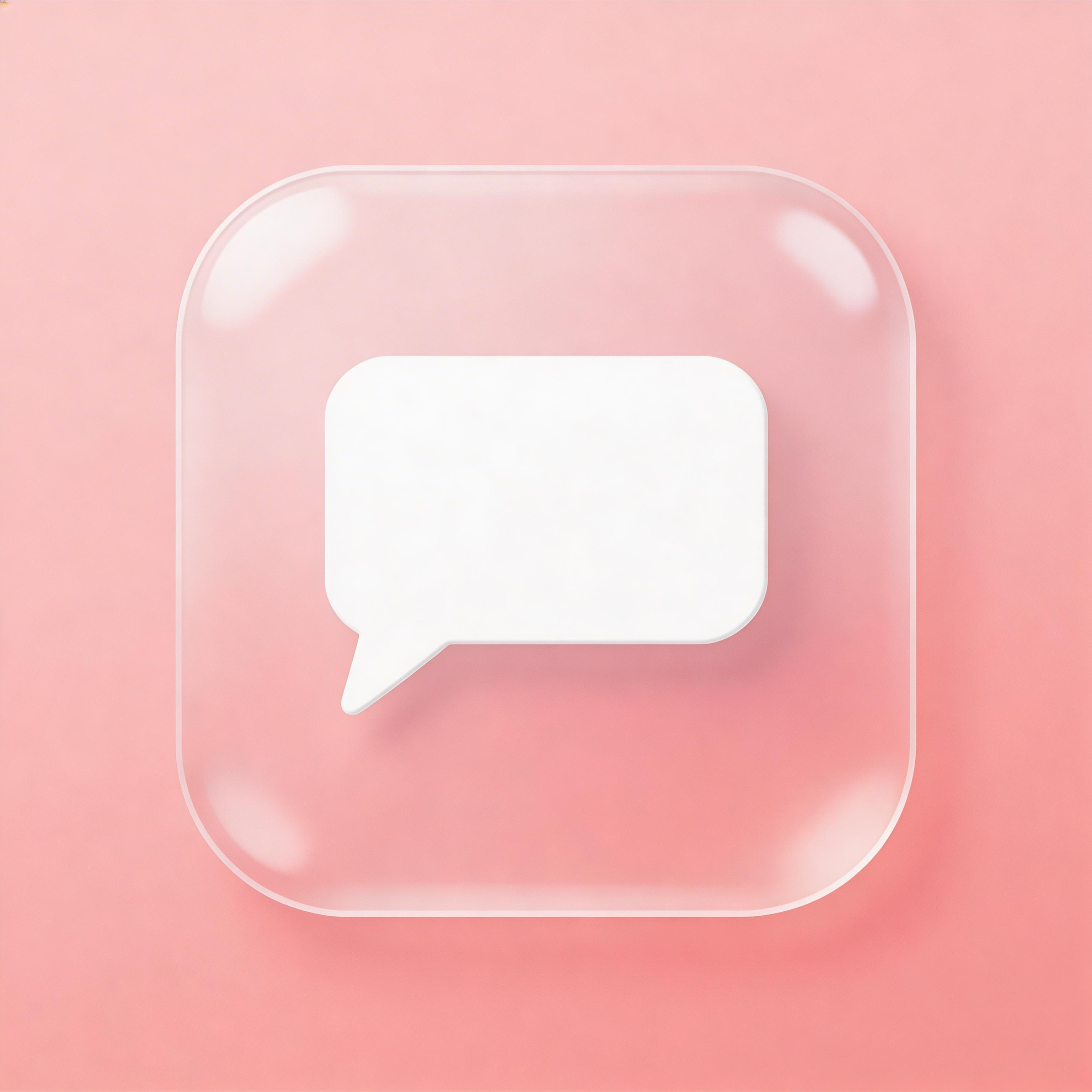
Choose from multiple styles
Liquid Glass
iOS 26 depth, translucency, and specular light
Glassmorphism
Static frosted glass, works on every platform
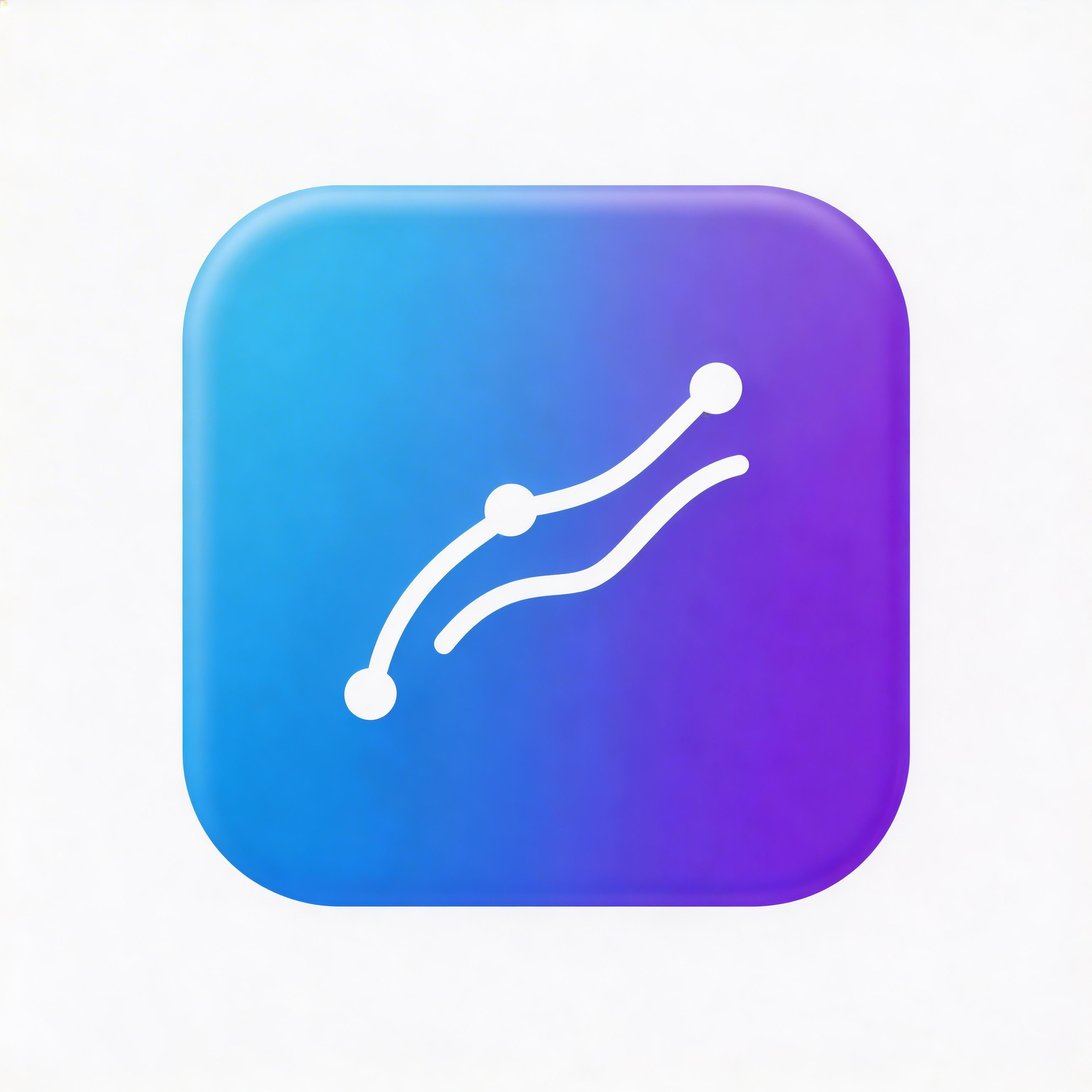
Gradient
Smooth color transitions, depth and dimension
Flat Design
Clean lines, solid colors, modern simplicity
From idea to icon in seconds
Describe Your App
Tell the AI your app concept and the glass intensity you want.
Pick a Vivid Backdrop
Choose a saturated color or gradient for the glass to refract.
AI Builds the Glass
IconikAI generates the Liquid Glass base art with depth, translucency, and edge lighting.
Export or Refine
Ship the exported set, or take the base into Icon Composer for the live iOS 26 material.
Everything you need for perfect icons
Real Depth Layers
Layered foreground, mid-ground, and background that read as a physical glass surface with genuine depth.
Light-Responsive Look
Specular highlights and edge lighting built for iOS 26's light, dark, tinted, and clear appearance modes.
Sharp Foreground Mark
Your symbol stays crisp while the colorful backdrop refracts through the glass — recognizable at 48px.
Production Ready
Export the full icon set for iOS, macOS, Android, and web — from 16x16 to 1024x1024 — in one pass.
Frequently asked questions
No. Glassmorphism is a static PNG style that works everywhere; Liquid Glass is Apple's iOS 26 system material, authored in Icon Composer and rendered live across appearance modes.
Yes. The exported glass artwork works on Android, web, and desktop. The live system material is iOS 26 only, but the base image set ships for every platform.
Only for the live iOS 26 material. IconikAI generates the base art; you can ship the PNG set directly or take it into Apple's free Icon Composer for a .icon file.
Each generation costs 2 credits and returns 2 variants. Credits are pay-as-you-go from $5 for 200 credits plus 100 bonus — no subscription.
A vivid, saturated color or gradient. Glass is only visible when there is something colorful behind it to refract; keep the foreground mark bold and simple.
Ready to get started?
A Liquid Glass icon generator makes app icons in Apple's iOS 26 glass design language — layered artwork with real depth, translucency, and specular highlights. You describe your app, and the AI returns a glass icon with a sharp foreground mark over a colorful refracting backdrop, exported at every iOS, macOS, Android, and web size.
What Is a Liquid Glass Icon Generator?
A Liquid Glass icon generator creates app icons in Apple's iOS 26 "Liquid Glass" style — layered, light-responsive icons with real depth, translucency, and specular highlights. You describe your app, and the AI produces a glass-material icon with a sharp foreground mark, a colorful backdrop that shows through the glass, and edge lighting that reads as a physical surface. Every icon exports at all required iOS, macOS, and web sizes.
Liquid Glass is the design language Apple introduced with iOS 26. Unlike static glassmorphism, which bakes the frosted-glass look into a flat PNG, Liquid Glass is a system-level material the OS renders live across light, dark, tinted, and clear appearance modes. IconikAI generates the base artwork — the 1024×1024 source, the layered concept, and the glass treatment — so you have a production-ready starting point before you ever open Icon Composer.
Liquid Glass Icon Maker: Make One in Under a Minute
As a Liquid Glass icon maker, the workflow is four steps and takes under a minute. Describe your app in a sentence, pick the Liquid Glass style, generate, and download the full export set. There is no Figma file to set up, no blur-and-opacity tuning, and no manual resize pass.
- Describe the app. One sentence is enough — "a habit tracker for runners", "a budgeting app for freelancers". The clearer the subject, the sharper the foreground mark.
- Choose Liquid Glass. The style carries the depth, translucency, and edge-lighting values, so you do not have to dial them in.
- Generate. Each generation costs 2 credits and returns 2 variants, so you get two directions to compare rather than one take-it-or-leave-it result.
- Export. Download the complete icon set — iOS, macOS, Android, and web favicons — ready to drop into Xcode or Android Studio.
If you want to make several glass icons at once — for an app family, or to A/B two marks before you commit — the batch icon generator runs the same style across multiple prompts in one pass.
Why Generate Liquid Glass Icons with AI
Hitting the Liquid Glass look by hand means tuning blur, translucency, edge highlights, and depth layers in a design tool until the icon still reads at 48px. The AI has those values built into the style, so you skip the Figma iteration and get an icon that survives the shrink on the first pass.
The generator keeps the foreground mark perfectly sharp — the single most common mistake in glass icons is blurring the shape that carries recognition. It puts a saturated backdrop behind the glass, because glass is only visible when there is something colorful to refract. And it caps the layering so translucency doesn't compound into an opaque white smudge.
iOS Liquid Glass Icon Pack vs a Custom Glass Icon
An iOS liquid glass icon pack is a downloadable set of pre-made glass glyphs for theming a home screen. A generator builds one icon for your app, in your colors, with your mark. If you are shipping to the App Store or Play Store you need the second: a store listing icon has to be original artwork you own, and no iOS 26 liquid glass icons pack can give you that.
Use a pack when you are restyling someone else's apps on your own device. Use a generator when the icon is the front door of a product you are launching — you get an original mark built around your app's subject and colors, exported at every required size.
Searching for an iOS 26 liquid glass icons download usually turns up packs built for Android launchers or Figma files of Apple's own system icons. Neither is usable as your app's listing icon. Generating gives you a liquid glass icon PNG set — 1024×1024 source plus every iOS, Android, and web size — that is yours to ship. Need a mark for a brand rather than an app? The same style runs through logo generation (3 credits, 2 variants) for a liquid glass logo.
Liquid Glass Icons on Android, Samsung, and the Web
The live Liquid Glass material is an iOS 26 system feature, but the glass look is not platform-locked. IconikAI exports a high-resolution baked glass PNG that works as an Android launcher icon, a Samsung One UI icon, a web favicon, or a desktop app icon.
For Android specifically, generate the glass artwork here, then check it against adaptive-icon safe zones — Android masks icons to circles, squircles, and rounded squares depending on the launcher, so the foreground mark needs to sit inside the safe area. The Android icon generator handles that masking, and the iOS icon generator covers the Apple size ladder.
Liquid Glass vs Glassmorphism: Which Do You Need?
Liquid Glass is Apple's iOS 26 system material, authored through Icon Composer and exported as a .icon file that the OS renders in real time. Glassmorphism is a static visual style baked into a raster PNG that works on every platform — iOS, Android, web, and desktop.
The practical 2026 workflow: generate a strong glass concept here as your base art, then, if you are shipping to iOS 26, take it into Icon Composer and let the system material do the live glass. For a full walkthrough of that pipeline, see our Liquid Glass and Icon Composer guide. For a deeper look at the static style — exact blur, opacity, and border values that survive at 48px — see the glassmorphism app icons guide. For Android, web, and PWA targets, a baked glass PNG remains the correct option.
Every Size, Every Platform
Each generation exports the complete icon set — iOS (13 sizes), macOS, Android, and web favicons — so the 48px home-screen case and the 1024×1024 App Store case are both covered without a separate export pass. For the full dimension reference, see the iOS app icon size guidelines and the macOS app icon generator.
Generations cost 2 credits and return 2 variants. Credits are pay-as-you-go, starting at $5 for 200 credits (plus 100 bonus) — no subscription. Prefer the full styling suite? Start from the App Icon Generator and pick Liquid Glass from the 15+ style list. Already shipping and want to modernise an existing mark? The redesign app icon tool rebuilds it in the glass style.
Liquid Glass Generator: What It Makes and What It Doesn't
A Liquid Glass generator produces the artwork — a layered, translucent, light-responsive image you can ship as an icon, a favicon, or a store listing asset. It does not produce Apple's live system material, which the OS renders at runtime from a .icon file. Knowing which half you need saves a lot of wasted effort.
Here is the split, concretely:
| What you want | What a Liquid Glass generator gives you | What you still need |
|---|---|---|
| App Store / Play Store listing icon | Finished 1024×1024 glass artwork, every size exported | Nothing — ship it |
| Favicon or web app icon | Baked glass PNG at web sizes | Nothing — ship it |
| Android launcher or Samsung One UI icon | Baked glass PNG inside the adaptive safe zone | Nothing — ship it |
| Live iOS 26 material that reacts to light, dark, tinted, and clear modes | The layered base art to start from | Apple's free Icon Composer to author the .icon file |
The practical consequence: for every platform except the live iOS 26 material, the generator output is the finished product. Only the last row needs a second tool, and even there you are starting from finished layered art rather than a blank canvas.
Generation costs 2 credits and returns 2 variants, so you can compare a heavier glass treatment against a lighter one before committing. Credits are pay-as-you-go from $5 for 200 credits plus 100 bonus — there is no subscription.
How to Make a Set of Matching Liquid Glass Icons
Most people searching for Liquid Glass icons want more than one. A set only reads as a set when the glass treatment is held constant and only the foreground mark changes — same glass thickness, same light direction, same edge treatment, different symbol.
The four rules that keep a set coherent:
- Fix the light direction first. Pick top-left or top-center and never vary it. Mismatched specular highlights are the fastest way to make six icons look like six different apps.
- Reuse one backdrop palette. Vary hue across the set, hold saturation and value steady. A vivid backdrop is what makes the glass visible at all — over white or gray the effect disappears.
- Keep the foreground opaque. The glass belongs behind and around the mark, not on top of it. Symbols that go translucent turn into smudges at 48px.
- Vary the symbol, not the material. One concept per icon, drawn at the same visual weight.
Generate the set in one pass with the batch icon generator so the glass treatment stays identical across every icon, then export the whole set at once — iOS sizes, Android adaptive, and web favicons in a single pass.
A note on packs: a downloadable Liquid Glass icon pack is fine for restyling a home screen on your own device, but you cannot ship someone else's pack glyph as a store listing icon. The listing icon has to be original artwork you own, which is exactly what a generator produces.
FAQ
What is a Liquid Glass app icon? A Liquid Glass app icon is an icon built in Apple's iOS 26 glass design language — layered artwork with real depth, translucency, and specular highlights that the operating system renders live across light, dark, tinted, and clear modes. The foreground mark stays sharp while a colorful backdrop refracts through the glass.
Is there a free Liquid Glass icon maker? Yes. IconikAI's Liquid Glass icon maker is free to start — you sign up and generate without a subscription. Each generation costs 2 credits and returns 2 variants, and credits are pay-as-you-go from $5 for 200 credits plus 100 bonus.
Is Liquid Glass the same as glassmorphism?
No. Glassmorphism is a static style baked into a PNG that works on any platform. Liquid Glass is a system-rendered material in iOS 26, authored in Icon Composer and exported as a .icon file, which the OS renders in real time across appearance modes.
Can I use these icons on Android and the web? Yes. The generator exports a flat, high-resolution glass icon that works everywhere — Android, web, and desktop. The live system material is iOS 26 only, but the base artwork ships as a standard image set for every platform.
Can I generate several Liquid Glass icons at once? Yes. The batch icon generator runs the Liquid Glass style across multiple prompts in a single pass, which is useful for an app family or for comparing two marks before you commit. Each generation in the batch costs 2 credits and returns 2 variants.
Do I still need Icon Composer?
Only if you want the live iOS 26 system material. IconikAI generates the base artwork and layered concept; you can ship the exported PNG set directly, or take the base into Apple's free Icon Composer to add the native glass material and export a .icon file.
How much does it cost? Each generation costs 2 credits and returns 2 variants. Credits are pay-as-you-go starting at $5 for 200 credits (plus 100 bonus). There is no subscription — you pay only for what you generate.
What background works best for a Liquid Glass icon? A vivid, saturated color or gradient. Glass is only visible when there is something colorful behind it to refract — over a white or gray background the effect disappears. Keep the foreground mark bold and simple so it stays readable at small sizes.
Why does my glass icon look muddy at small sizes? Too many translucent layers stacked on top of each other. Each layer adds opacity until the icon reads as a white smudge at 48px. Keep the glass to a few depth groups, keep the foreground mark opaque, and always preview at the smallest required size before you ship.
What are Liquid Glass app icons? Liquid Glass app icons are icons drawn in the design language Apple introduced with iOS 26 — layered artwork with real depth, translucency, and specular highlights, where a sharp foreground mark sits over a colorful backdrop that refracts through a glass surface. On iOS 26 the system renders the material live across light, dark, tinted, and clear appearance modes.
How do I get Liquid Glass icons on Samsung? Generate the glass artwork here and export the Android set. Samsung One UI applies its own adaptive mask, so keep the foreground mark inside the safe zone or the mask will clip it. This gives you the glass look on a Samsung home screen — the live iOS 26 material itself is an Apple system feature and does not carry across.
Where can I find an iOS liquid glass icon pack? Free iOS liquid glass icon packs exist on Figma Community, Google Play (as Android launcher themes), and icon libraries, and they are fine for theming your own device. For an app you are publishing, you cannot use them — the store listing icon must be original artwork you own. Generate a custom liquid glass icon here instead; it exports at every required size.
Can I convert an existing image to liquid glass? Yes, if the image is an app icon. The redesign app icon tool takes your current icon and rebuilds it in the Liquid Glass style, keeping the mark recognisable while adding the depth, translucency, and highlights. For a fresh mark, describe it in a prompt and pick Liquid Glass from the style list.
Can I make a liquid glass logo, not just an icon? Yes. Logo generation on IconikAI supports the same glass styling and costs 3 credits for 2 variants. Use it when the mark will sit in a header or on marketing material rather than inside an app icon frame; for the app icon itself, use the icon generator so the export includes every platform size.
Can I download Liquid Glass icons as PNG? Yes. Every generation exports as high-resolution PNG at each required size — the 1024×1024 source, the full iOS ladder, Android adaptive densities, and web favicons. The exported PNGs are original artwork you own and can ship to the App Store or Play Store.