Android App Icon Generator
Create professional Android icons with AI in seconds
No credit card required
Choose from multiple styles
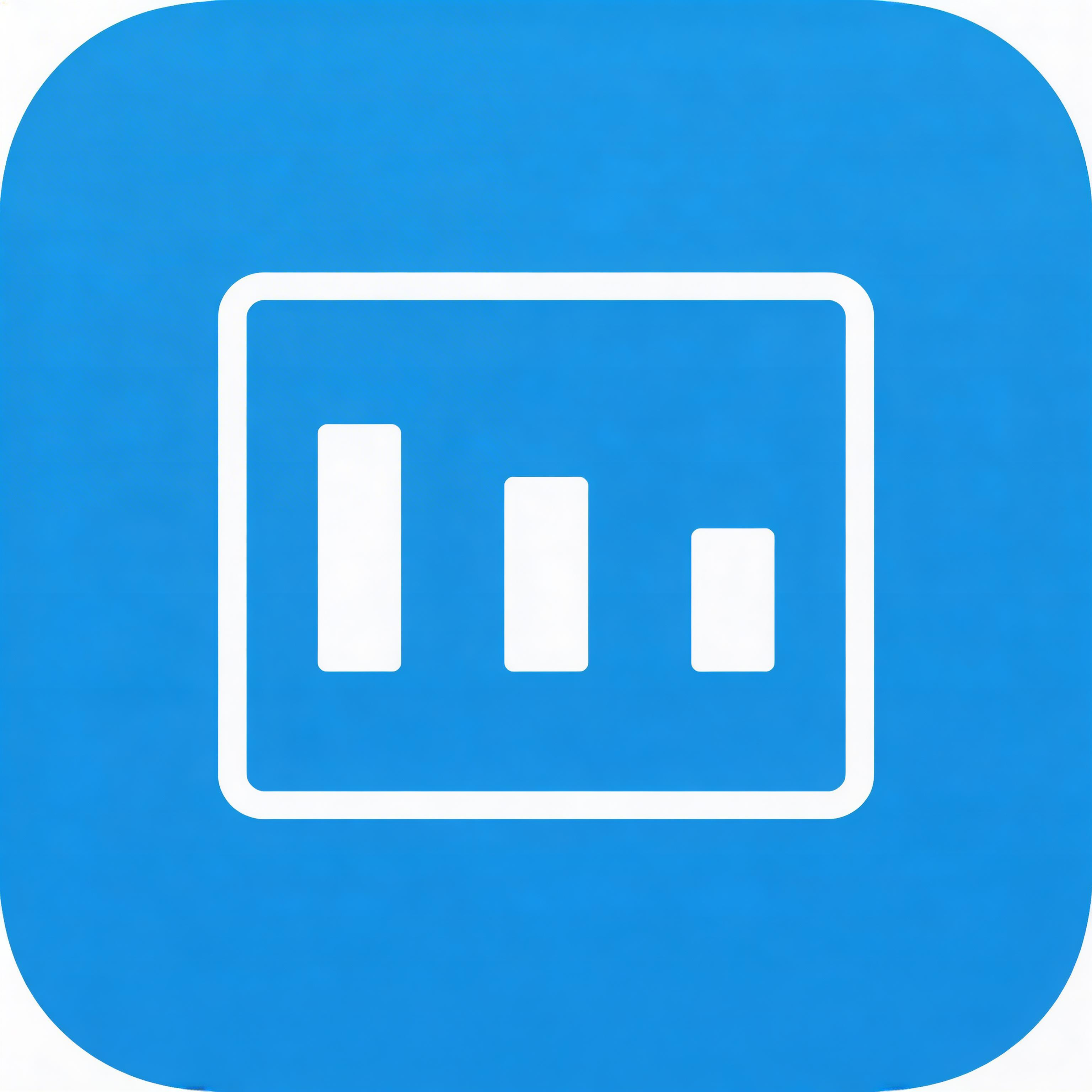
Flat Design
Clean lines, solid colors, modern simplicity
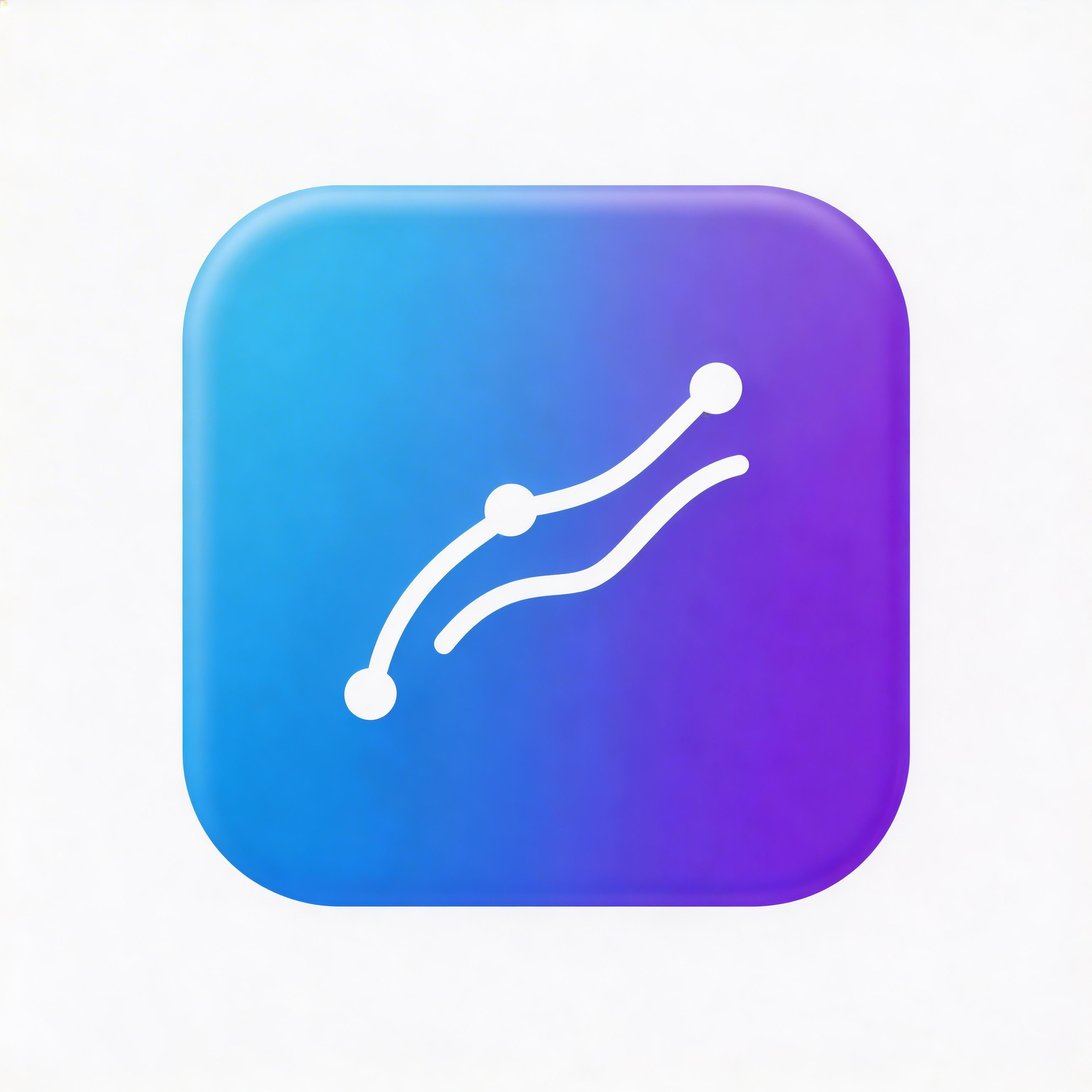
Gradient
Smooth color transitions, depth and dimension
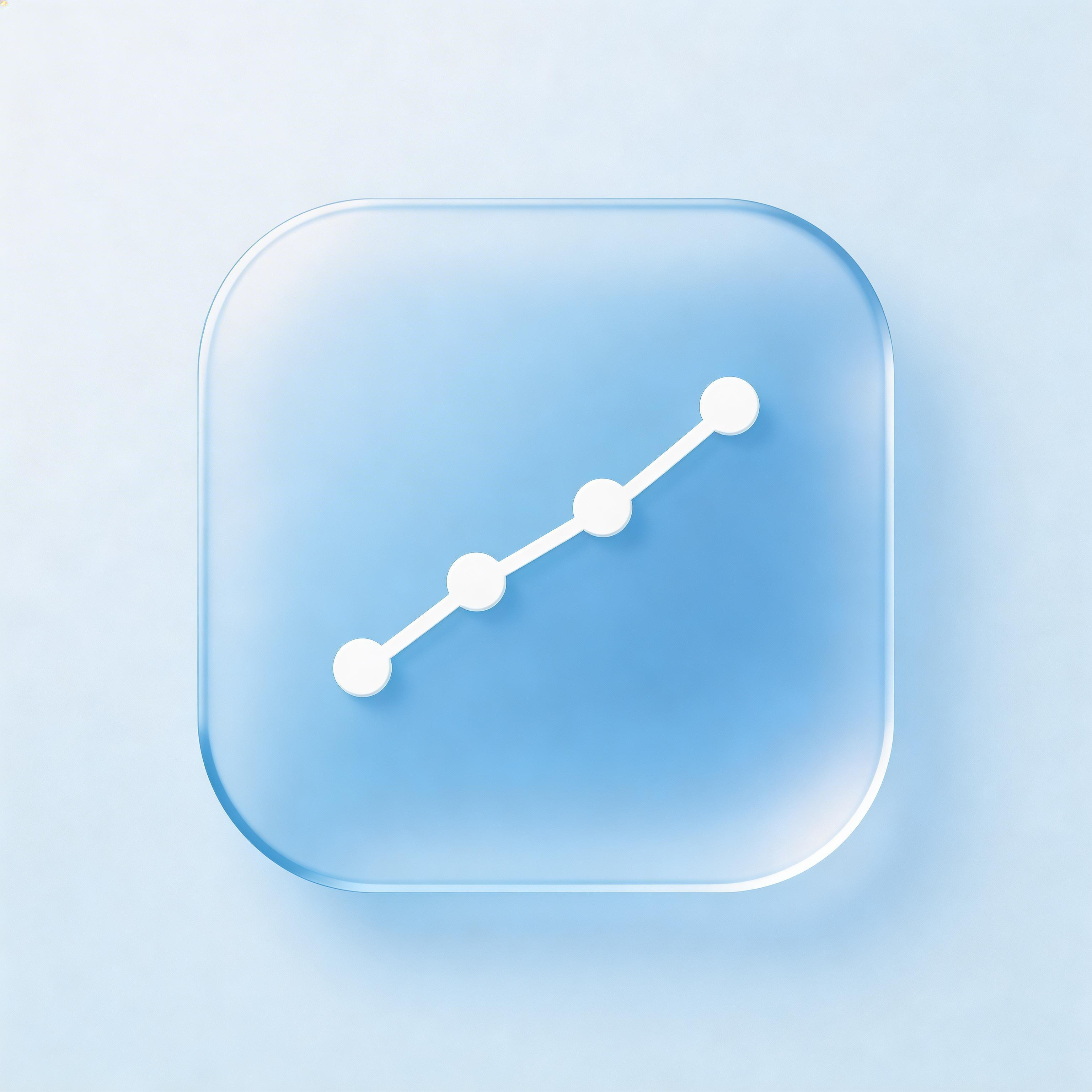
Glassmorphism
Frosted glass effect, translucent layers
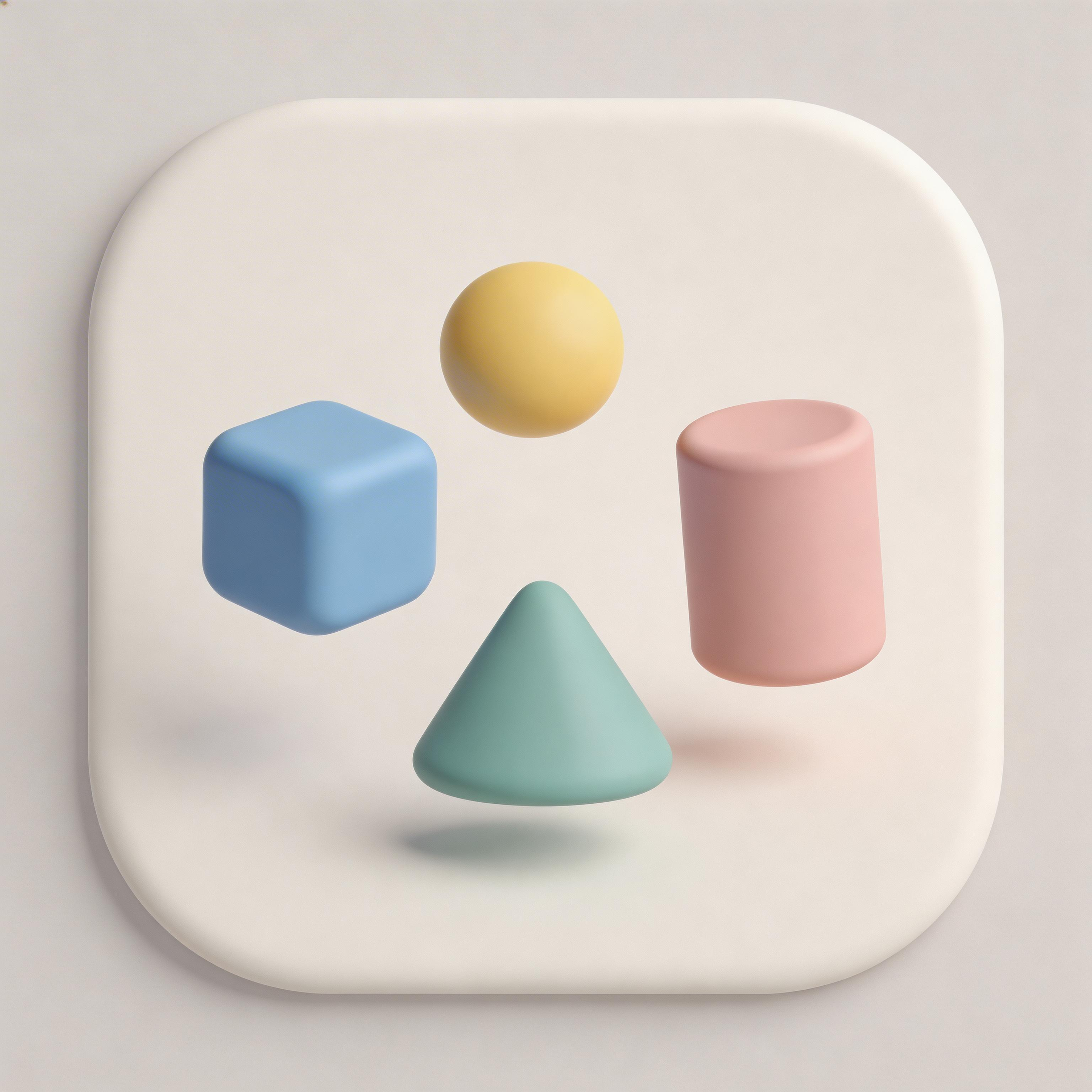
3D Rendered
Realistic depth, shadows, and lighting
Minimalist
Essential elements only, maximum clarity
From idea to icon in seconds
Describe Your App
Tell the AI about your Android app and target audience
Choose Style
Pick from Material Design-optimized presets for Android
Generate
Create 10+ adaptive icon variations instantly
Export
Download all densities, adaptive layers, and Play Store icon
Everything you need for perfect icons
Adaptive Icon Ready
Generates proper foreground/background layers that work with every Android device mask shape
Material Design Native
Icons follow Google Material Design guidelines with proper elevation, color, and typography principles
All Densities Included
Export mdpi, hdpi, xhdpi, xxhdpi, and xxxhdpi variants plus the 512x512 Play Store listing icon
OEM Tested
Icons verified to display correctly across Samsung, Pixel, OnePlus, Xiaomi, and other major manufacturers
Frequently asked questions
Google Play requires 512x512. Adaptive icons use 108x108dp with a 72dp safe zone. Launcher icons need mdpi (48px) through xxxhdpi (192px). IconikAI generates all variants automatically.
Yes. IconikAI generates Material Design-compliant icons with proper adaptive icon layer separation and safe zone compliance for all device manufacturers.
Bold, saturated primary colors following Material Design. Strong blues, greens, reds, and yellows work well. Ensure solid background layers for the adaptive icon system.
Android icons are complex due to adaptive layers and density requirements. Freelancers charge $200-$1,200, agencies $600-$3,000. IconikAI generates everything instantly.
Ready to get started?
Android App Icon Generator
An Android icon generator turns a short text description into finished Android app icon artwork, then hands you the 1024x1024 master you build every Android asset from. IconikAI's AI app icon generator is free to start, returns contextual variants in under 10 seconds, and lets you edit in plain language.
Android Icon Generator vs Android Icon Maker vs Launcher Icon Generator
These names get used interchangeably, but they describe four different jobs. Pick the one that matches what you actually need:
| What you searched | What you actually need | Where to go |
|---|---|---|
| Android icon generator / android icon maker | Original artwork created from a description | App Icon Generator |
| Android app icon generator / android app icon maker / android app icons generator | The same thing, framed around a Play Store listing | This page |
| App icon generator android / app icon generator for android | The same thing again, phrased platform-last | This page |
| Android launcher icon generator / app launcher icon generator / adaptive icon generator | Resizing one master into density buckets and adaptive layers | Android Studio's Image Asset tool, or the size reference below |
| Android icon generator online, free | A browser tool with no install and no design software | App Icon Generator — free to start |
The distinction matters because many tools that call themselves an "android launcher icon generator" are resizers. They take a PNG you already own and slice it into buckets. They cannot create the artwork. IconikAI creates the artwork; Android Studio and the tooling in your project handle the slicing. You need both halves, and they are separate steps.
If you want the full landscape of AI tools in this category, the Android app icon generator guide compares the options in detail, and the app icon maker roundup covers the free tier of each.
What Makes a Great Android App Icon?
Strong Android icons follow Material Design principles: bold color, geometric shape, and a clean visual hierarchy that survives being shrunk to 48dp. Unlike iOS, Android uses adaptive icons — a foreground layer and a background layer that the launcher masks into whatever shape the device manufacturer prefers.
That masking is the constraint that catches people out. Different launchers — Pixel, Samsung, OnePlus, Xiaomi and others — can apply different mask shapes to the same two layers. An icon whose key visual drifts toward an edge will read as cropped on some of those devices and centered on others. Keep the important part of the mark inside the safe zone and the shape of the mask stops mattering.
The icons that hold up best also work as a silhouette. Android renders monochrome shortcut and themed-icon variants from your foreground layer, so a mark that depends entirely on a gradient to be readable will disappear the moment color is stripped out.
How Do You Create an Android App Icon with AI?
- Describe your app — category, audience, and the mood you want. One or two sentences is enough; no prompt engineering required.
- Pick a style — Flat, gradient, 3D, glassmorphism, minimal, isometric and more, from 15+ curated presets.
- Generate — the AI returns contextual variants in under 10 seconds at 2 credits per generation. Use Chat to Edit Icons to adjust color, shape, or detail in plain language rather than regenerating from scratch.
- Export — one-click export covers iOS sizes, Android adaptive, and web favicons from the 1024x1024 master.
Anything the export does not cover, you produce from the master in Android Studio: right-click res → New → Image Asset, drop in the 1024x1024 PNG, and the Image Asset tool writes the density buckets and adaptive layers into your project.
Android Launcher Icon Generator: Every Size Android Expects
Android does not derive sizes from one upload the way iOS does. You ship real files at every density. This is the complete ladder, and it is what "xxhdpi icon size" questions are really asking about:
| Density bucket | Scale | Legacy launcher icon | Adaptive layer (108dp canvas) |
|---|---|---|---|
| mdpi | 1x | 48 x 48 px | 108 x 108 px |
| hdpi | 1.5x | 72 x 72 px | 162 x 162 px |
| xhdpi | 2x | 96 x 96 px | 216 x 216 px |
| xxhdpi | 3x | 144 x 144 px | 324 x 324 px |
| xxxhdpi | 4x | 192 x 192 px | 432 x 432 px |
| Play Store listing | — | 512 x 512 px (32-bit PNG) | — |
Three rules that trip up most first submissions:
- The 512 x 512 Play Store icon is separate. It is uploaded in Play Console, not bundled in the APK or AAB, and it is the one users see in search results.
- Adaptive layers are 108dp, but only 72dp is visible. The outer 18dp on each side is reserved for parallax and pulse effects. Critical content belongs inside the centered 66dp safe zone, which is the area guaranteed to survive every mask shape.
- Foreground layers keep transparency; background layers must be opaque. A transparent background layer is a common cause of an icon rendering as a black square on a launcher.
For the full breakdown including themed icons and monochrome layers, see the Android app icon sizes guide. If you need every platform in one table, the app icon size chart covers iOS, Android, macOS, watchOS, web and PWA.
Mipmap Generator: Where Android Icon Files Actually Go
A "mipmap generator" is what developers search for when the icon exists and the question is which folder each file belongs in. Android keeps launcher icons in res/mipmap-* rather than res/drawable-*, because mipmap resources survive density stripping when a device installs a split APK — a launcher on a higher-density device can still request a larger icon than the one bundled for its own bucket.
Here is the layout a finished Android project has:
android/app/src/main/res/
├── mipmap-mdpi/ic_launcher.png            48 x 48
├── mipmap-hdpi/ic_launcher.png            72 x 72
├── mipmap-xhdpi/ic_launcher.png           96 x 96
├── mipmap-xxhdpi/ic_launcher.png         144 x 144
├── mipmap-xxxhdpi/ic_launcher.png        192 x 192
└── mipmap-anydpi-v26/
    ├── ic_launcher.xml                    adaptive icon definition
    └── ic_launcher_round.xml              round variant
ic_launcher.xml in mipmap-anydpi-v26 is what makes the icon adaptive. It points at the two layers rather than holding a bitmap:
<adaptive-icon xmlns:android="http://schemas.android.com/apk/res/android">
    <background android:drawable="@color/ic_launcher_background" />
    <foreground android:drawable="@mipmap/ic_launcher_foreground" />
    <monochrome android:drawable="@mipmap/ic_launcher_monochrome" />
</adaptive-icon>
The <monochrome> element drives themed icons on Android 13 and later, where the launcher recolors your icon to match the wallpaper theme. Leave it out and your app stays full color while the icons around it adapt.
Generating the files. Android Studio ships the tool for this: right-click res → New → Image Asset opens Asset Studio, which takes one source image and writes every mipmap-* density plus both anydpi-v26 XML files. Point it at a 1024 x 1024 master and it does the packaging. What Asset Studio will not do is design the artwork — that is the half this generator handles. Generate the master with the AI app icon generator, then run it through Asset Studio, or export the density set here and copy the folders in.
Shipping through React Native or Expo instead of native Android Studio? The React Native app icon generator covers the app.json adaptive icon config and the bare-project mipmap route.
Android Logo Generator: Icon or Logo?
Searches for "android logo generator" and "android app logo generator" usually mean one of two things, and the answer is different for each.
If you need the mark that sits on the home screen and in Play Store search results, that is an app icon. It has to read at 48dp, survive an unpredictable mask, and work in monochrome. Square-ish, centered, high contrast.
If you need a wordmark for your website, press kit, or App Store screenshots, that is a logo. It can be horizontal, it can include type, and it has no size floor. The two should share a visual language, but a logo shrunk into an icon slot almost always loses its type and turns to mush.
The practical route is to generate the icon first, since it carries the harder constraints, then build the logo around the same mark. IconikAI's generator produces the icon; the app screenshot generator handles the Play Store listing imagery that the logo usually ends up in.
What Are the Most Popular Android Icon Styles?
| Style | Best For | Key Features |
|---|---|---|
| Flat Design | Utilities, tools | Clean Material Design, consistent with Android system icons |
| Gradient | Social, media | Depth and personality within Material guidelines |
| 3D Rendered | Games, entertainment | Rich detail, stands out in Play Store browsing |
| Glassmorphism | Modern apps | Contemporary feel, works well with adaptive layers |
| Minimalist | Productivity, business | Professional, integrates with any launcher theme |
Glassmorphism remains one of the most-requested styles for current app icons. If that is the look you want, the glassmorphism icon generator is tuned for it, and the Liquid Glass icon generator covers Apple's specific take on the same idea.
Android and iOS App Icon Generator: One Workflow, Both Stores
Most teams shipping to Google Play are shipping to the App Store too, and the temptation is to reuse one PNG in both places. It half works. The master artwork transfers; the packaging does not.
| Android | iOS | |
|---|---|---|
| What you upload to the store | 512 x 512 PNG | 1024 x 1024 PNG |
| Mask applied by the OS | Manufacturer-dependent | Fixed superellipse |
| Transparency | Foreground layer yes, background no | Not permitted |
| Sizes shipped in the app | Full density ladder | Derived from the 1024 master |
| Safe zone | Centered 66dp of a 108dp canvas | Roughly the centered 80% |
Generate one 1024x1024 master, then package it twice. The iOS app icon generator covers the Apple half, including the superellipse mask and the no-transparency rule. If you build cross-platform, the Flutter icon generator and Kotlin icon generator pages cover the framework-specific pipelines, and the PWA icon generator handles manifest and maskable icons if you also ship to the web.
Frequently Asked Questions
What size should an Android app icon be?
Google Play requires 512 x 512 pixels for the store listing. Adaptive icons use a 108dp canvas with critical content inside the centered 66dp safe zone. Launcher icons ship at mdpi 48 x 48, hdpi 72 x 72, xhdpi 96 x 96, xxhdpi 144 x 144, and xxxhdpi 192 x 192.
What is the xxhdpi icon size for an APK?
144 x 144 pixels for a legacy launcher icon, and 324 x 324 pixels for each adaptive icon layer. xxhdpi is the 3x bucket, used by many current phones, so it is the one worth checking first if an icon looks soft on a real device.
Is an Android icon generator the same as an Android icon maker?
In everyday use, yes — both usually mean a tool that creates icon artwork. "Launcher icon generator" and "adaptive icon generator" mean something different: those resize an existing image into density buckets and adaptive layers rather than creating anything new.
Can I use AI for Android app icons?
Google Play does not publish a blanket ban on AI-generated artwork, but policies change — check the current Developer Program Policies before you submit. Either way, your icon must meet the same design and content rules as any other submission. IconikAI generates the 1024x1024 master; you package it into adaptive layers and density buckets in Android Studio.
Is there a free Android icon generator online?
IconikAI is free to start, runs in the browser with nothing to install, and uses pay-as-you-go credits at 2 credits per generation rather than a subscription. The free AI icon generator comparison covers how other tools in this category define "free", including which ones watermark output.
What colors work best for Android icons?
Material Design favors bold, saturated primaries — strong blues, greens, reds and yellows. Avoid very light colors that vanish against a light launcher wallpaper, and always give the background layer a solid fill so the adaptive icon system has something opaque to mask.
What is the difference between mipmap and drawable for Android icons?
Launcher icons belong in res/mipmap-*. Mipmap resources are kept when a device installs a density-split APK, so a launcher can request a higher-density icon than the one bundled for its own bucket. Everything else — in-app imagery, vectors, backgrounds — belongs in res/drawable-*.
Why does my icon look cropped on some phones but not others?
Different manufacturers apply different adaptive icon mask shapes to the same two layers. Mask shapes vary by manufacturer and can change between OS versions; circular, squircle and rounded-square masks are all in use. Anything outside the centered 66dp safe zone is at the mask's mercy.
Do I need a separate icon for Google Play and the app itself?
Yes. The 512 x 512 PNG is uploaded in Play Console for the store listing. The launcher icons and adaptive layers are bundled inside your app. They should look identical, but they are two separate deliverables.
How much does a professional Android icon cost?
Freelance and agency quotes vary widely by market and scope, and Android's adaptive layers add packaging work that a single iOS master does not require. IconikAI is free to start and runs on pay-as-you-go credits at 2 credits per generation, with no subscription and no minimum commitment.
Create Your Android Icon Now
Build icons that hold up on every Android launcher. Start free with the AI app icon generator — describe your app, pick a style, and edit in plain language until it is right.
Already have the icon and need the rest of the listing? The Android app screenshot generator builds Play Store screenshots, Android App Publishing handles submission for $50, including 12 testers, and the ASO Growth Agent works on ranking at $50 per app per month.